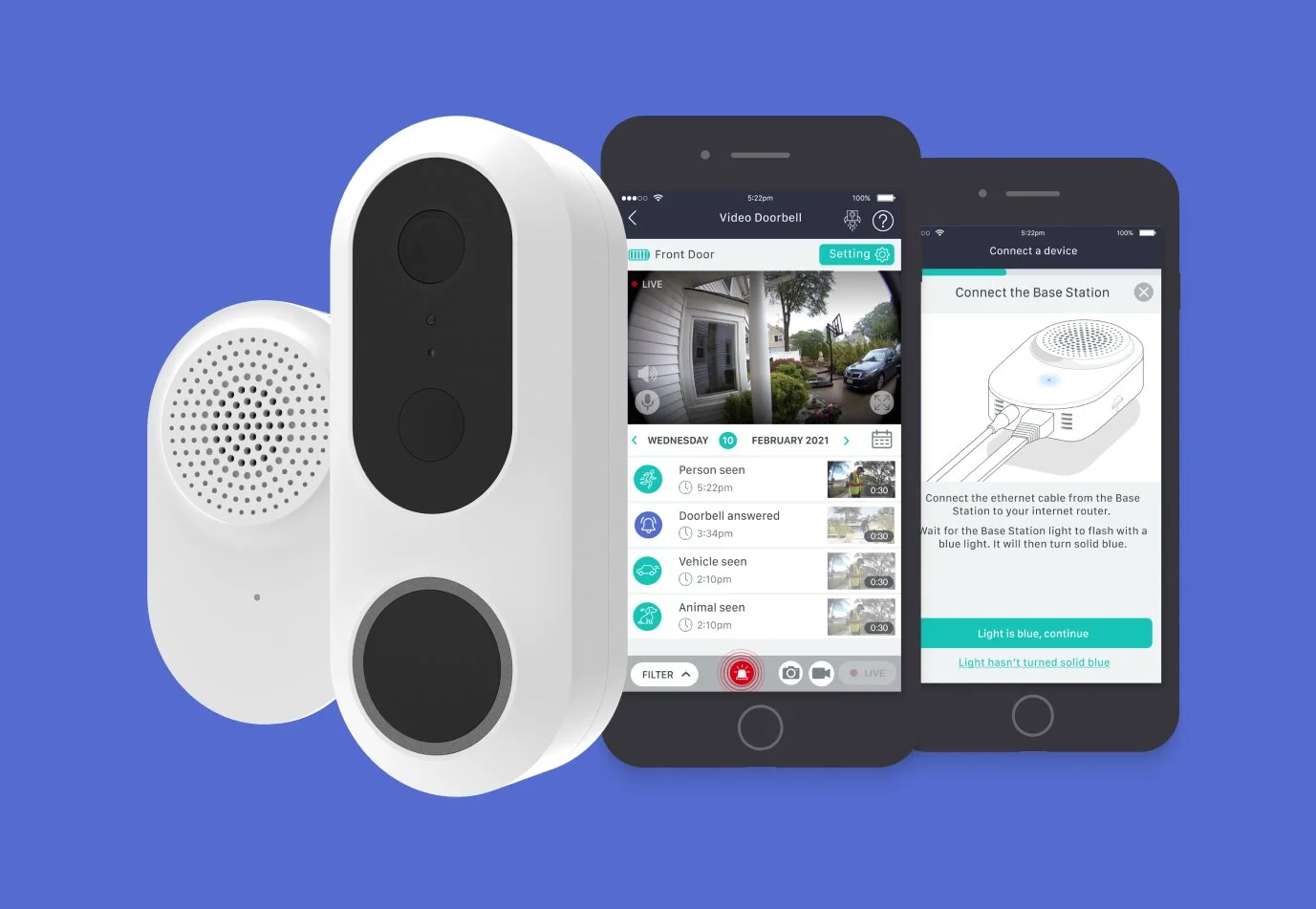
designing a ding-dong
COMPANY: Neos (now Sky Protect)
ROLE: Senior UX/UI Designer
TEAM: Product manager, developers, hardware designers, commercial managers.
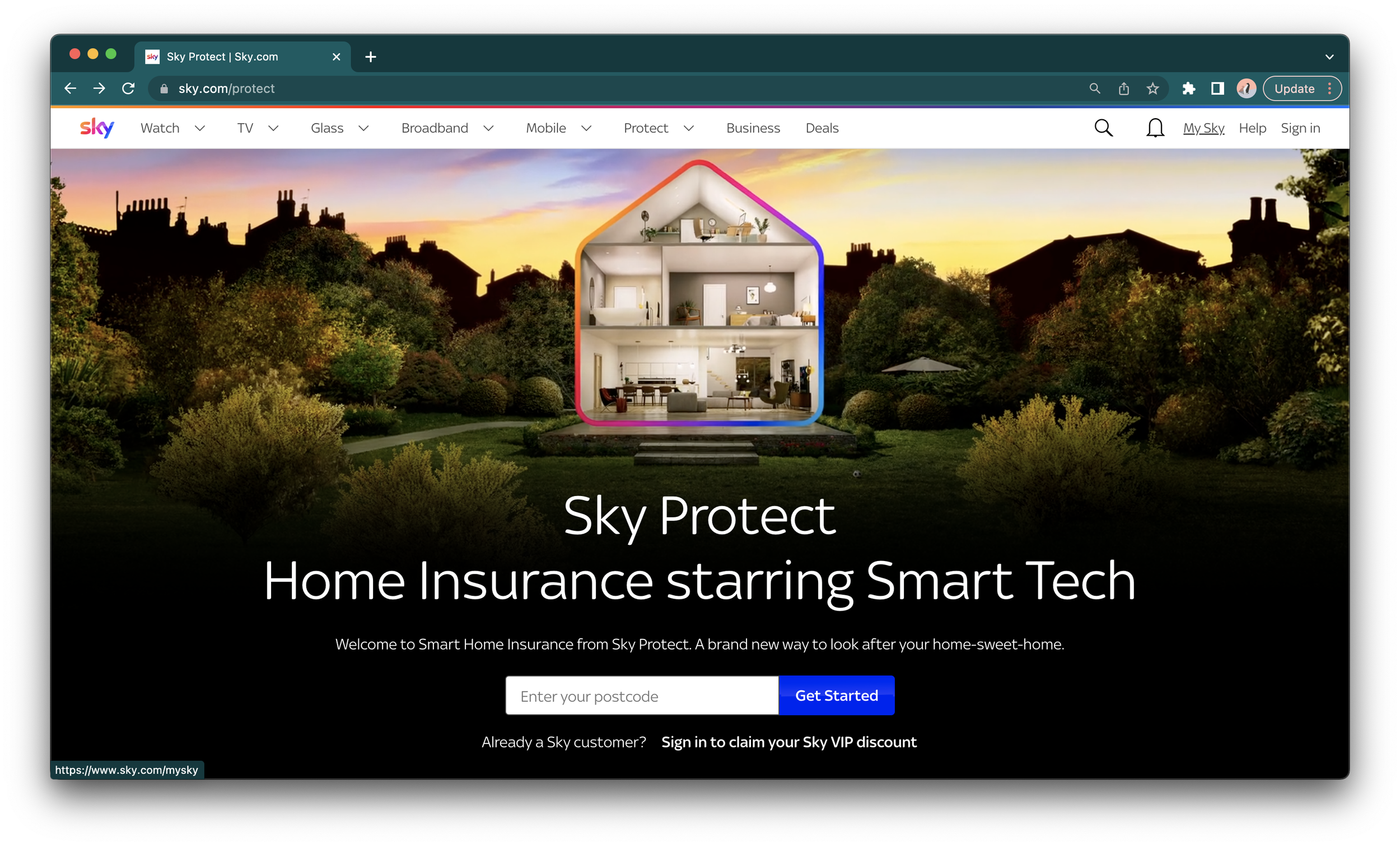
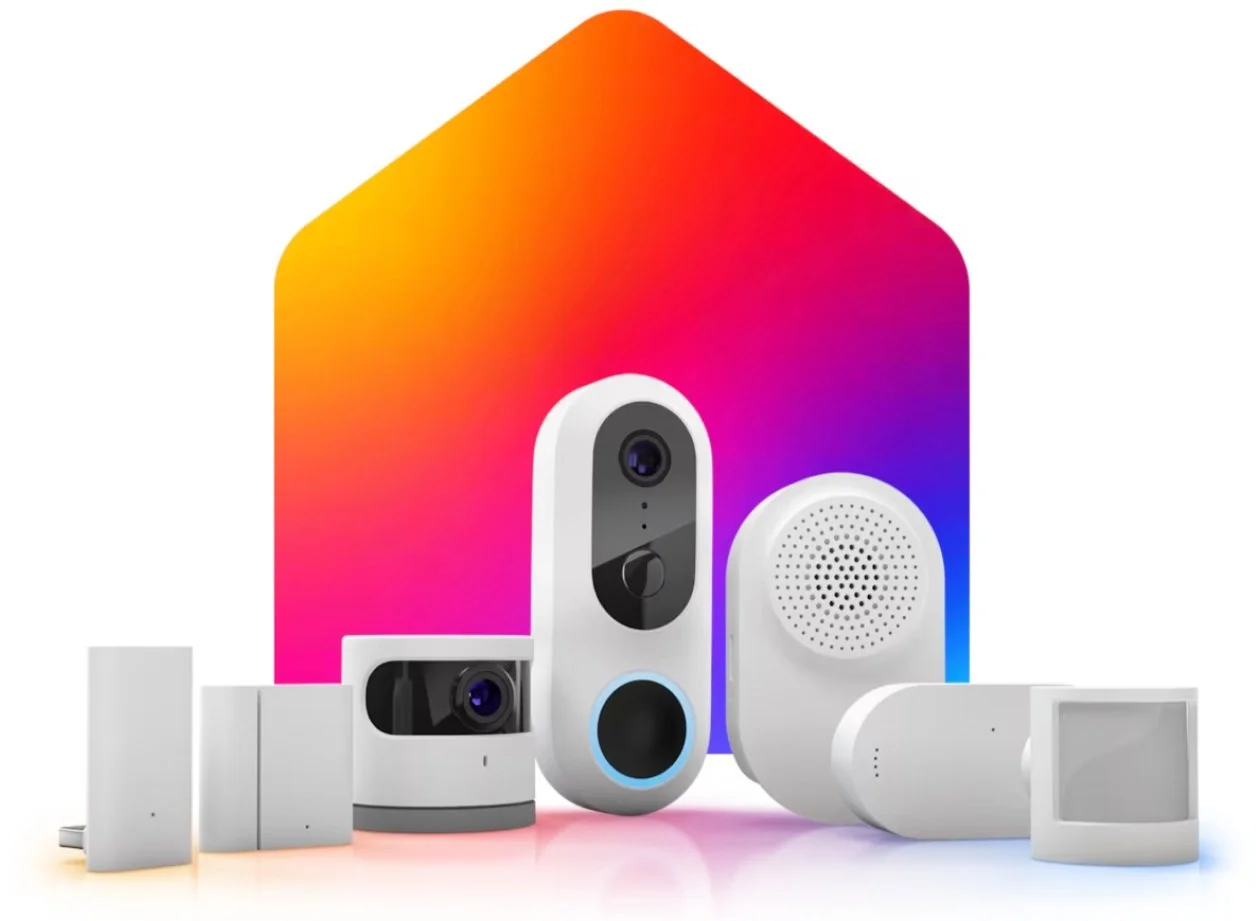
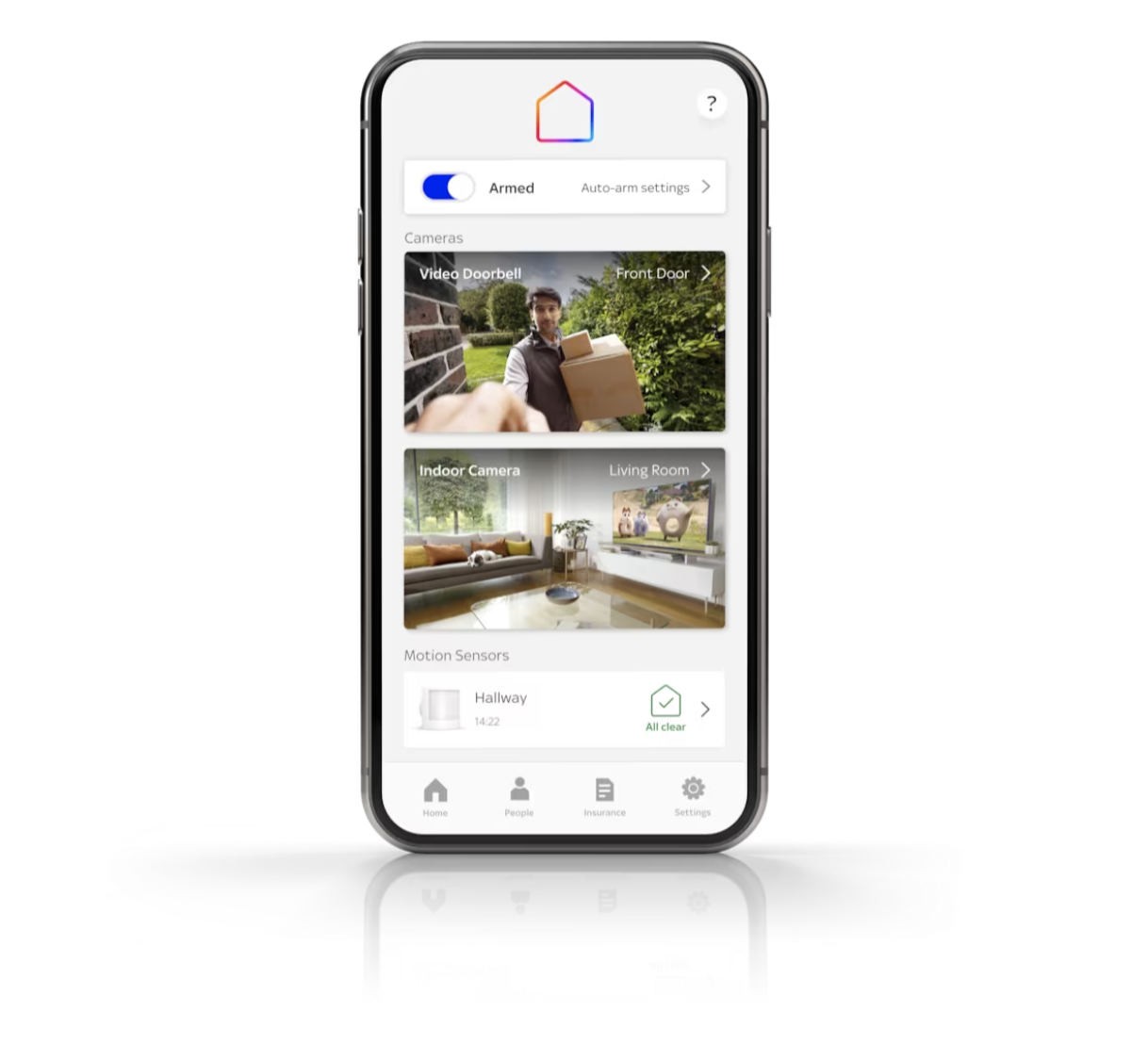
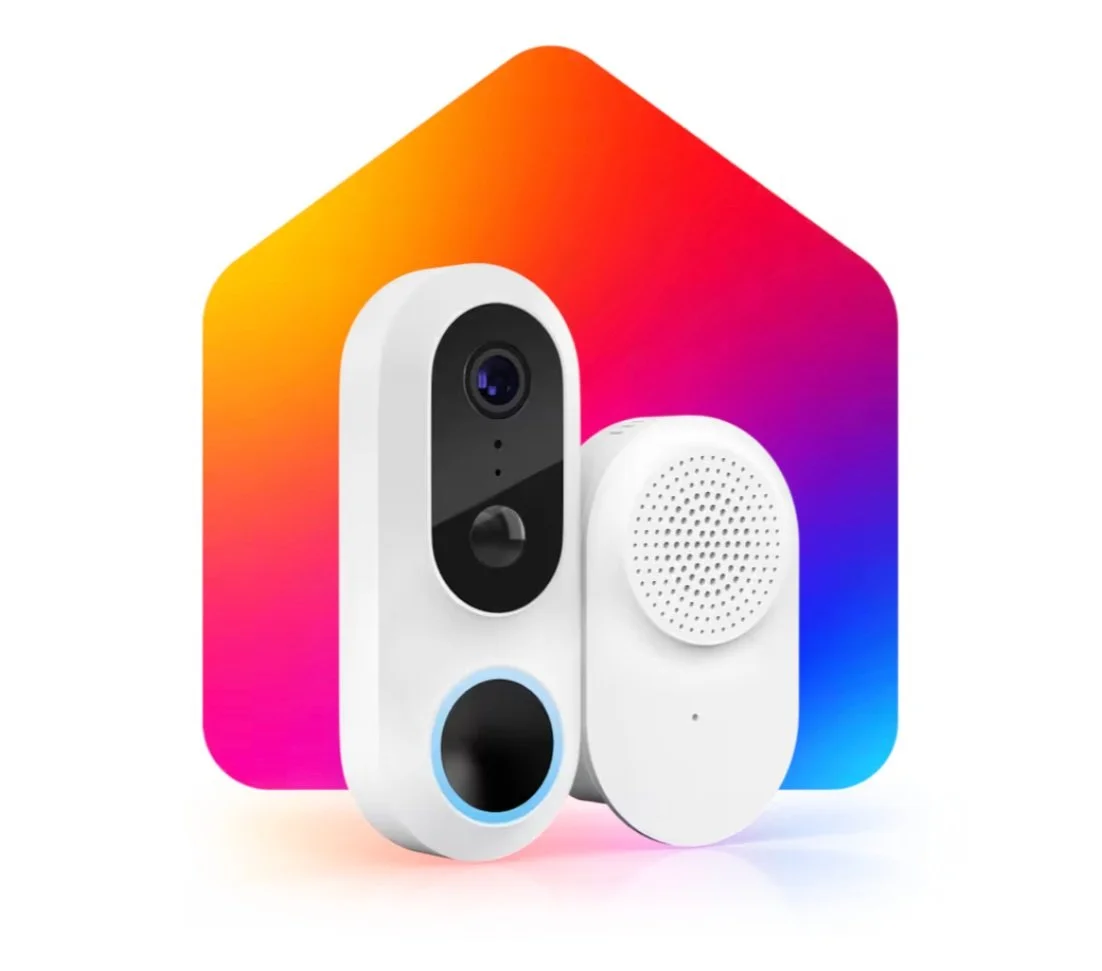
PROJECT: App design to add and control a new smart doorbell from a mobile.
METHODS: Competitor research, design workshops, UX wireframes, user testing, high res UI design.
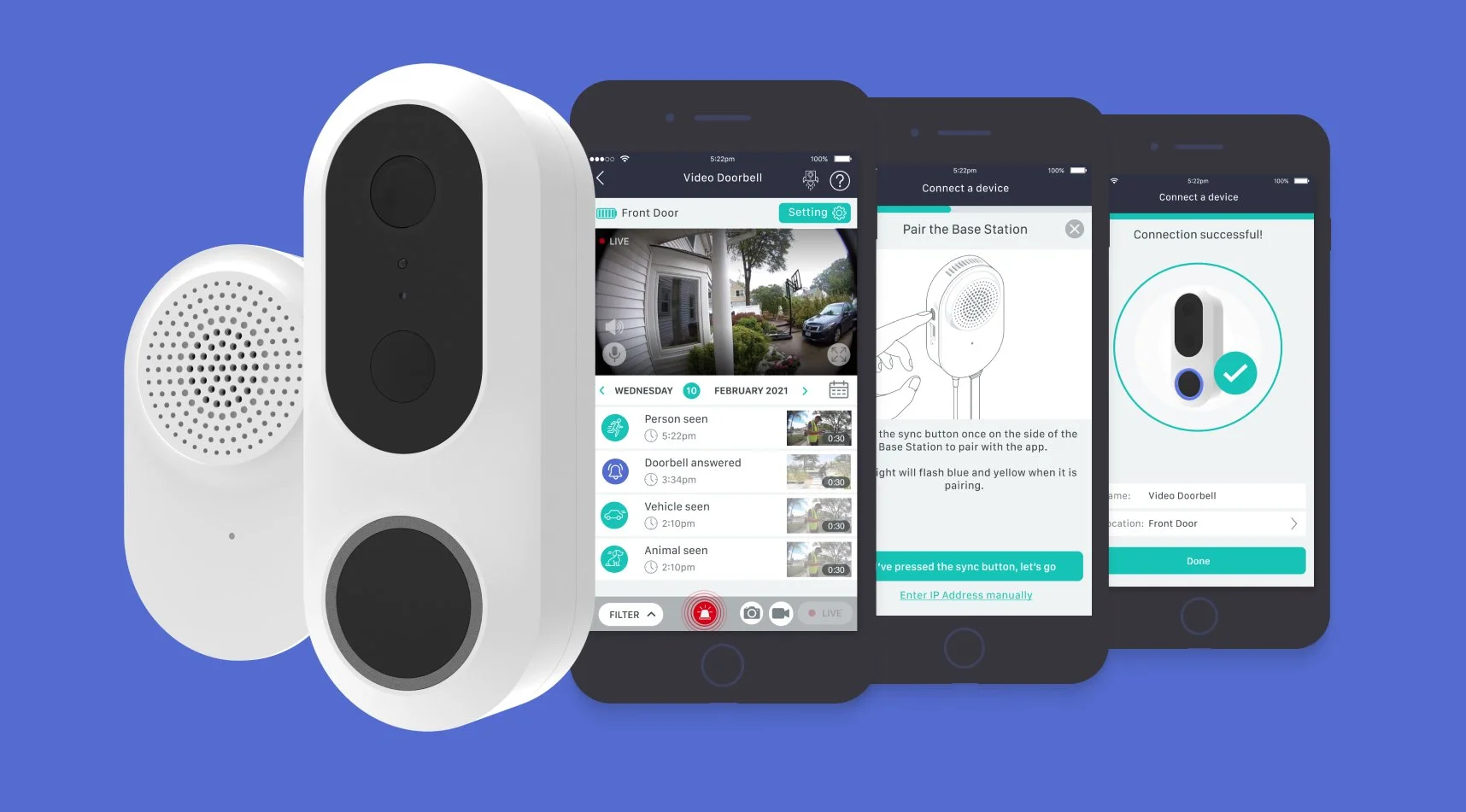
DESIGN SPRINTS
After extensive research and competitor analysis, we went into a remote design sprint process using 5 main parts, 5 weeks and 2 hours a day as a team to work through the project.
Installation
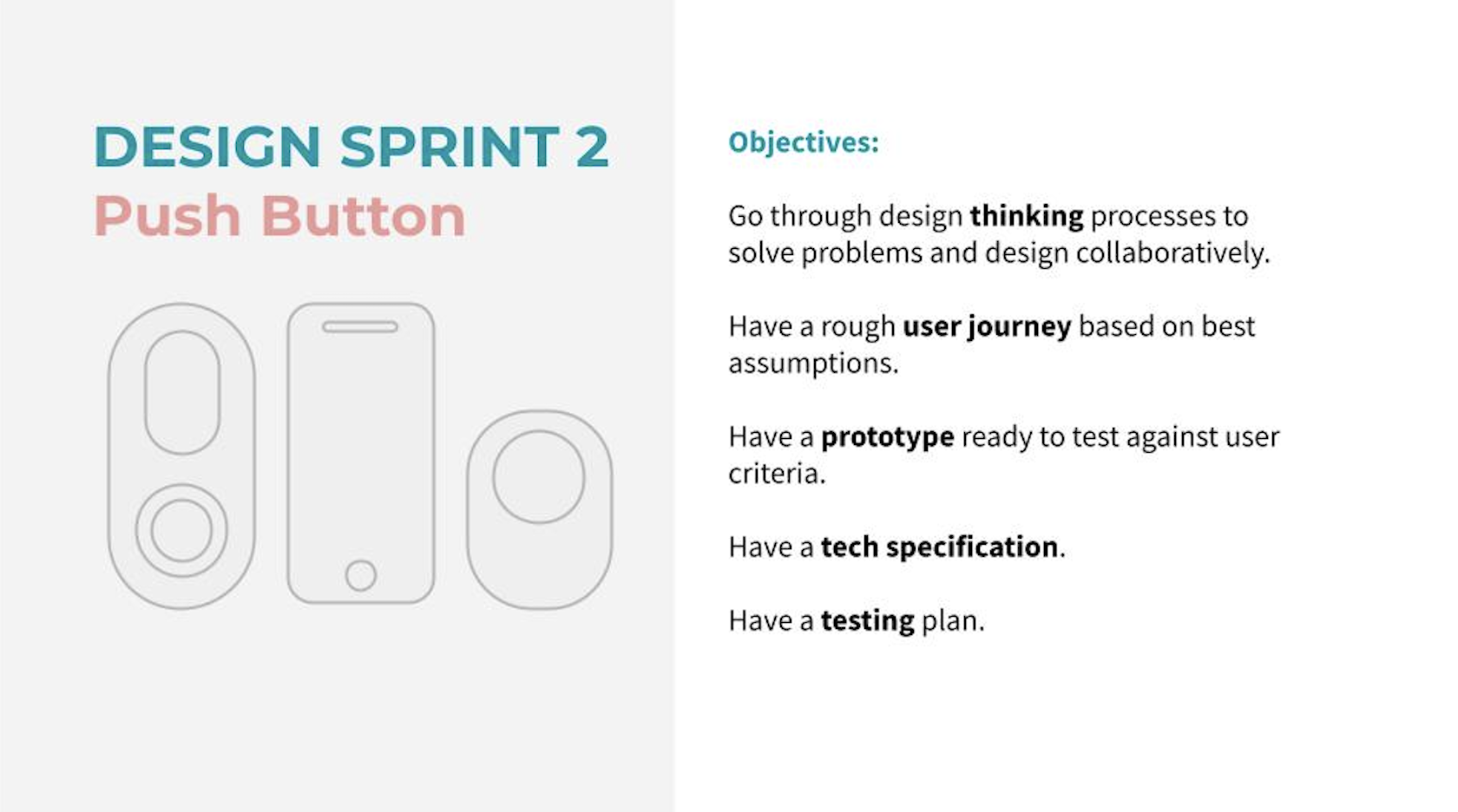
Push Button
Motion detection
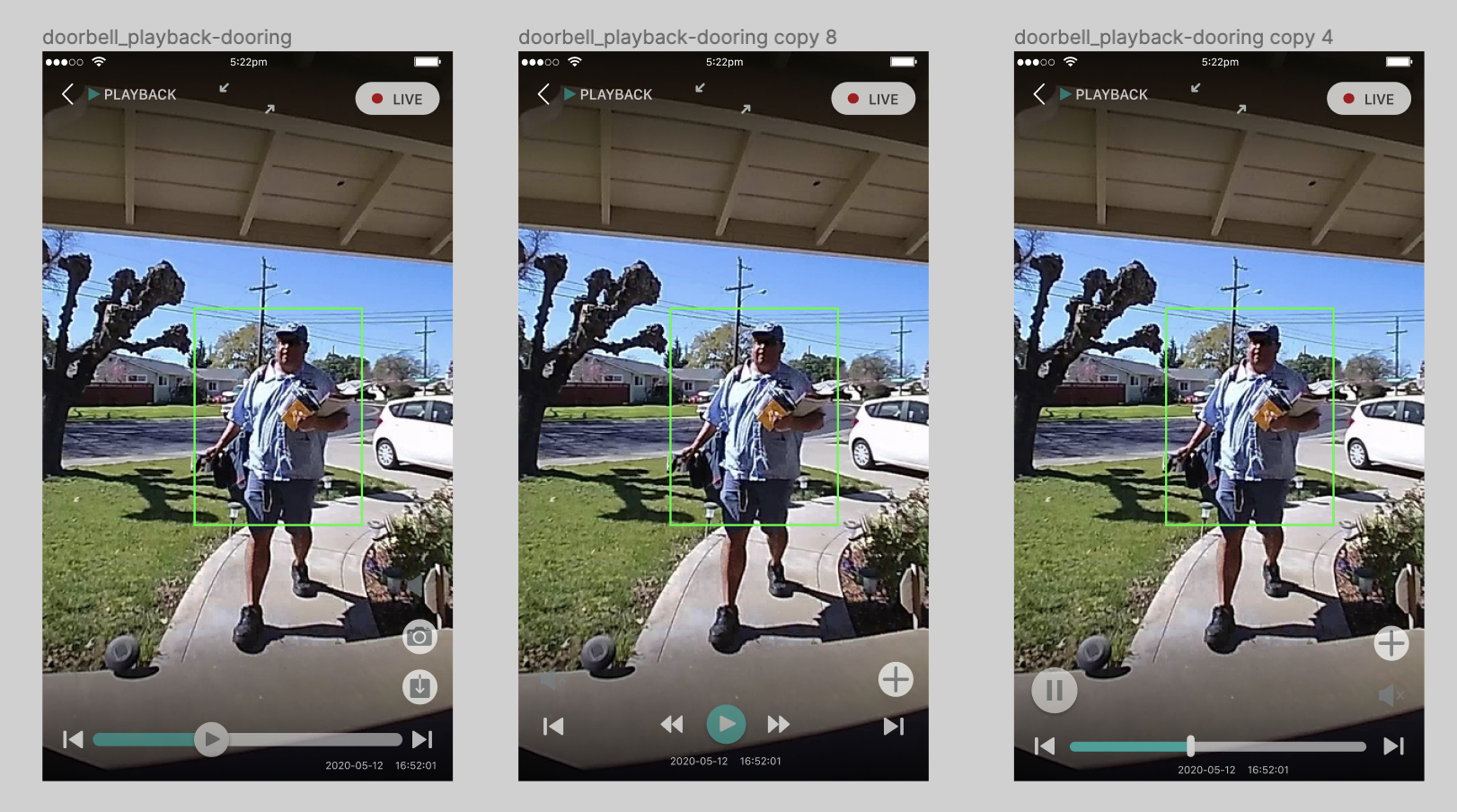
Playback
Settings, notifications, integration
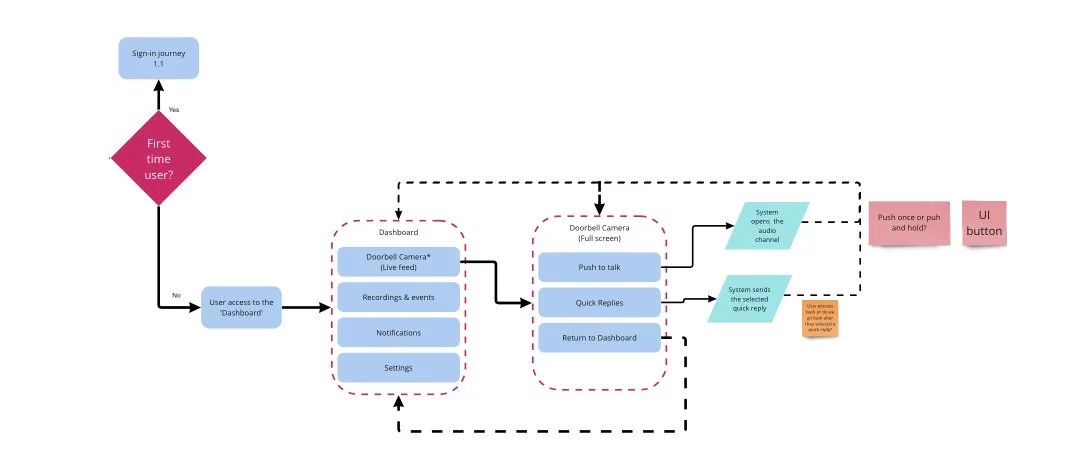
Each part included expert lightening talks, technical outline, building a user journey, design and prototype and test in order to get a quick draft of the design validated enough for a more detailed design and build. A meeting first thing and a meeting in the afternoon ensured that everyone was collaborating.
DRAFTS and prototype
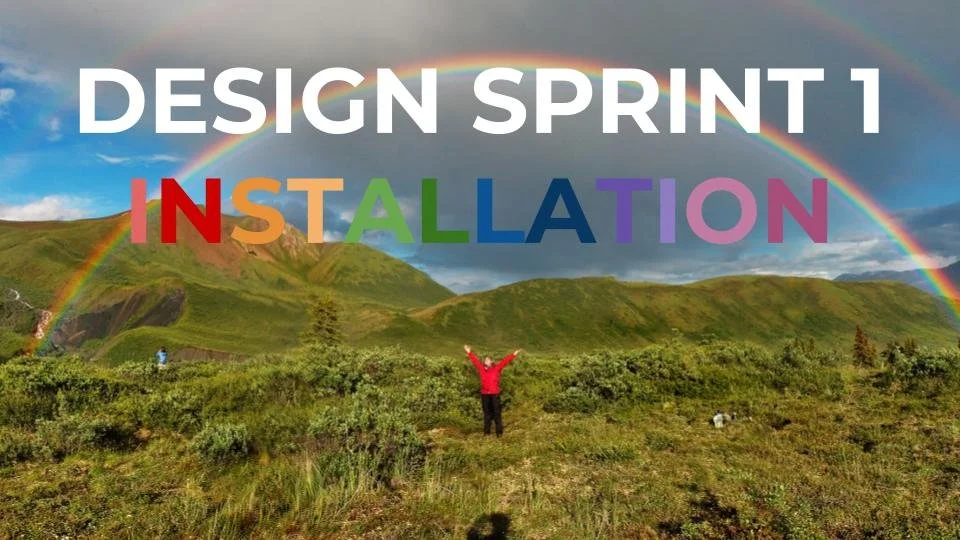
The first drafts were created using the UI and design system of Neos at the time. Although other installation journeys existed for products this was going to be the new flagship product and slightly more complicated to connect and set settings.
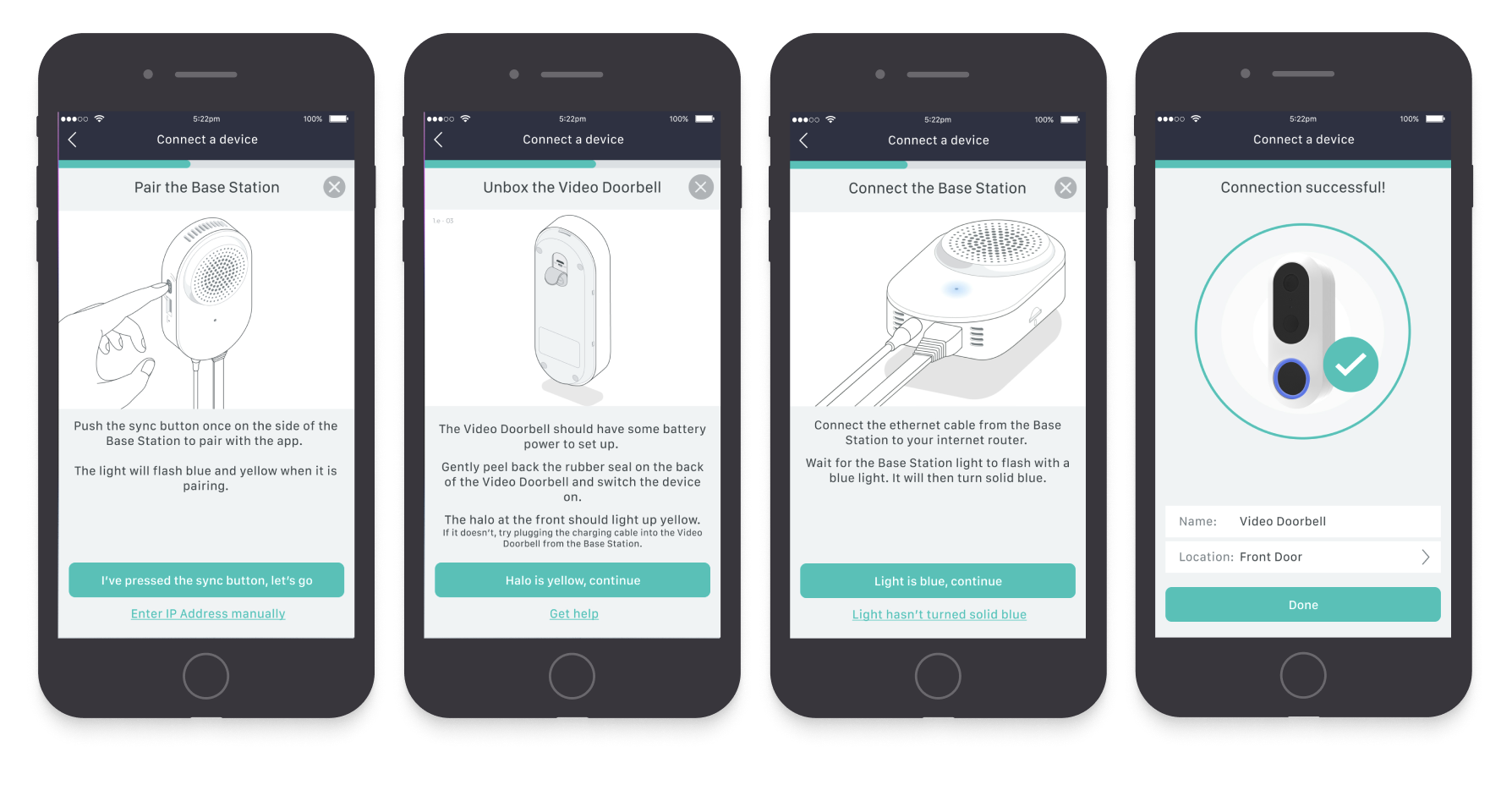
A lot of the installation instructions were very complicated but we needed to understand the best method and get everything on the page. This needed to be done better with animations where possible to give it a premium feel and a simple way of conveying information. Also the user was able to get help very quickly at any stage from customer services.
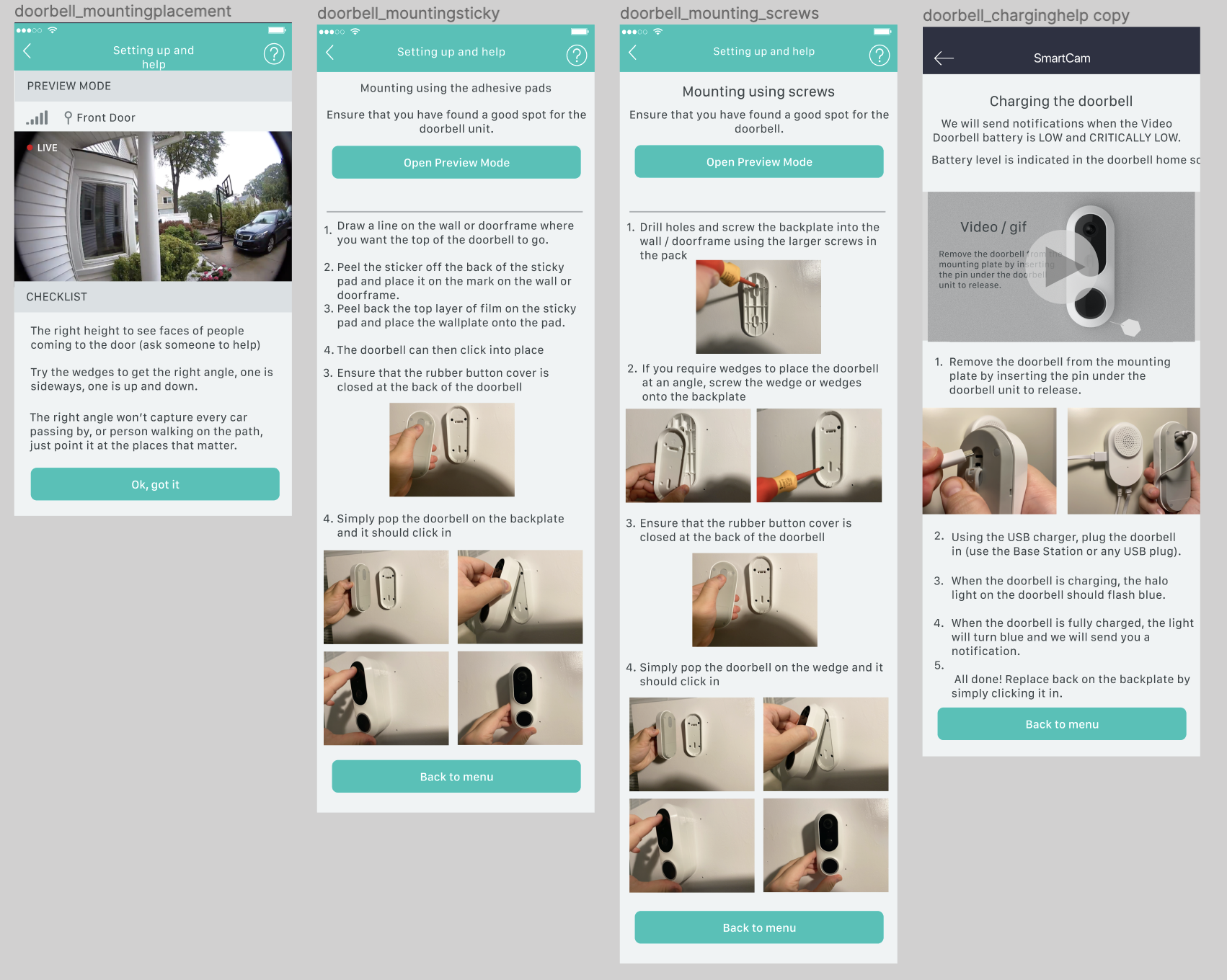
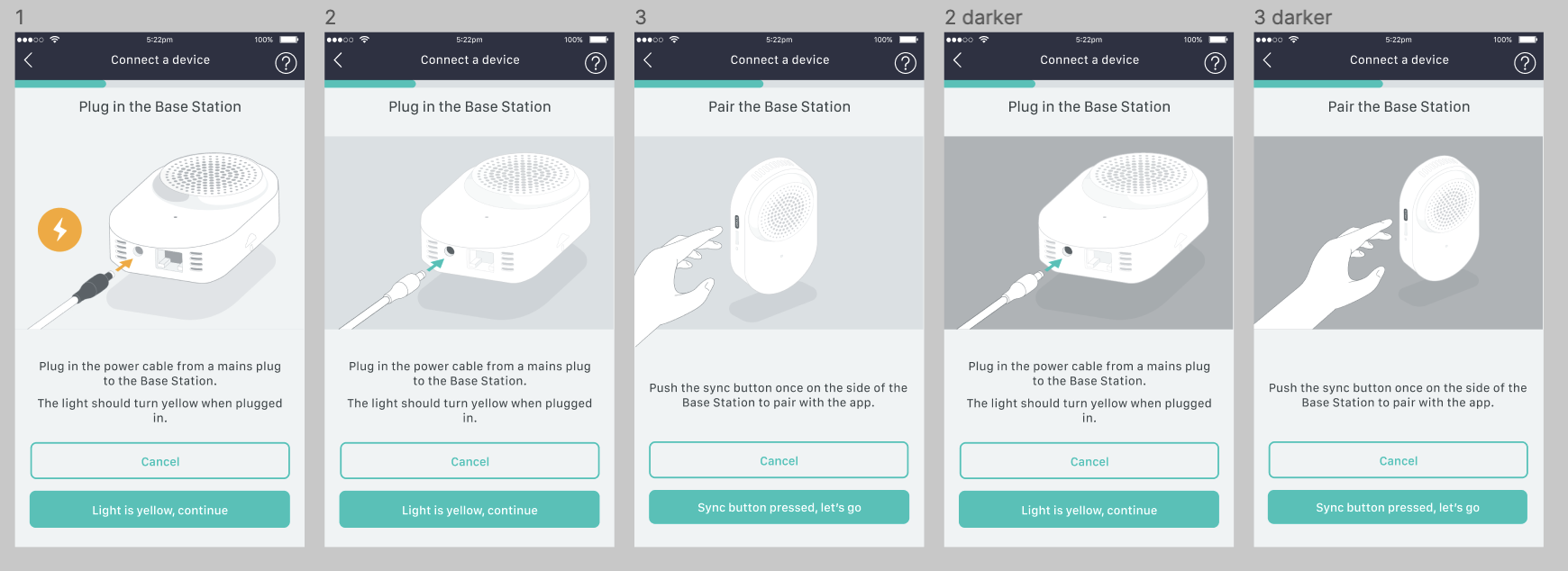
Finished design examples
User testing
Using Usertesting.com (a new platform for me!) we were able to get really clear tasks completed by users from all over the world, very very quickly. It took a bit of setting up but then only about half an hour for complete results which could then be used to refine the designs, change any sticking points and create a seamless design.
There were some sticking points such as the installation journey being too complicated and nobody willing to read instructions. Previous products such as the camera had taught us that nobody reads printed information so we did everything in the app with a hand-holding step-by-step journey that all users could understand. Using animations and simple instructions with videos and customer service available too.
DOORBELL PRESS
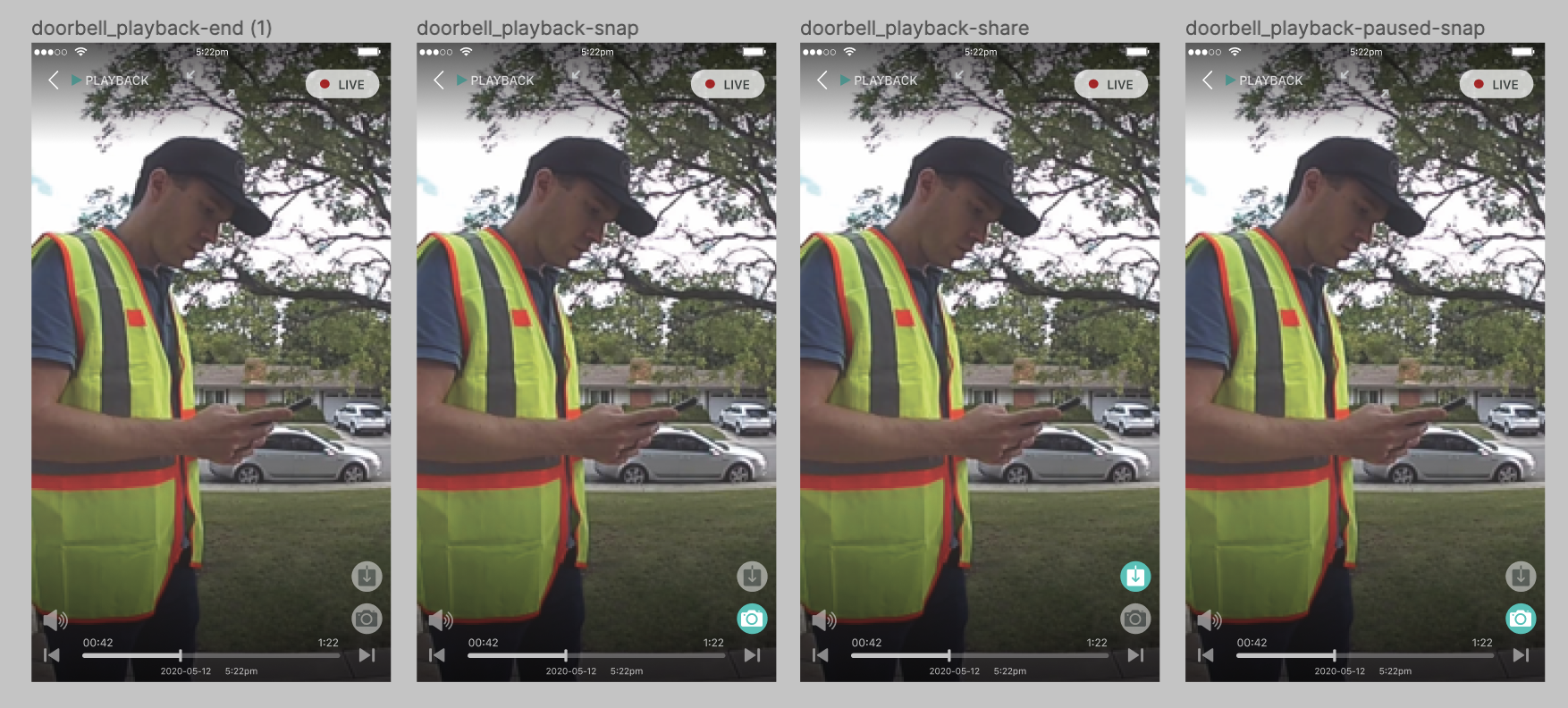
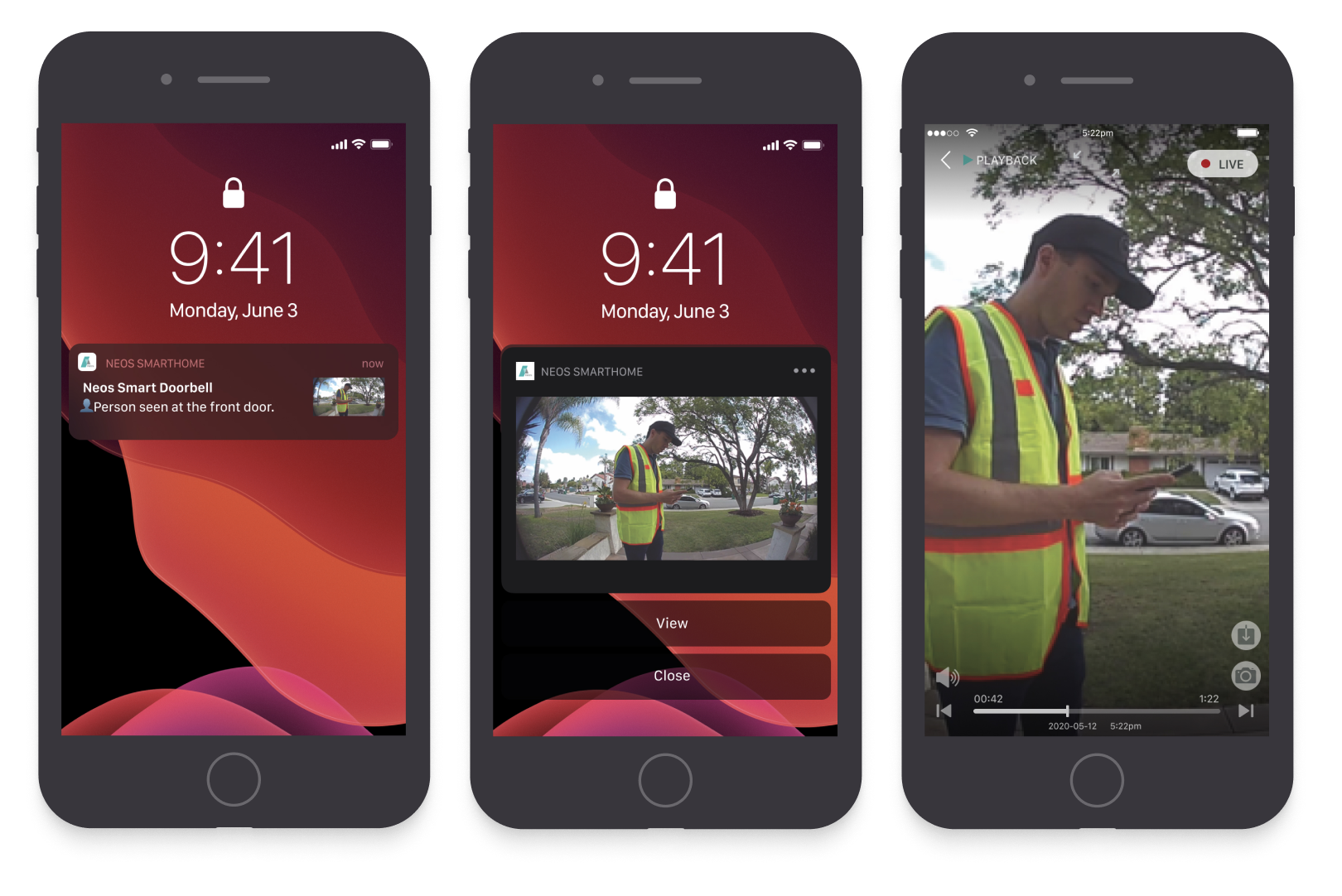
The doorbell press was set up with an industry busting standard to reach the user faster than any other doorbell. This meant that the notifications needed to be clear and useful so I drafted some iOS examples of how the user might see a preview as a notification.
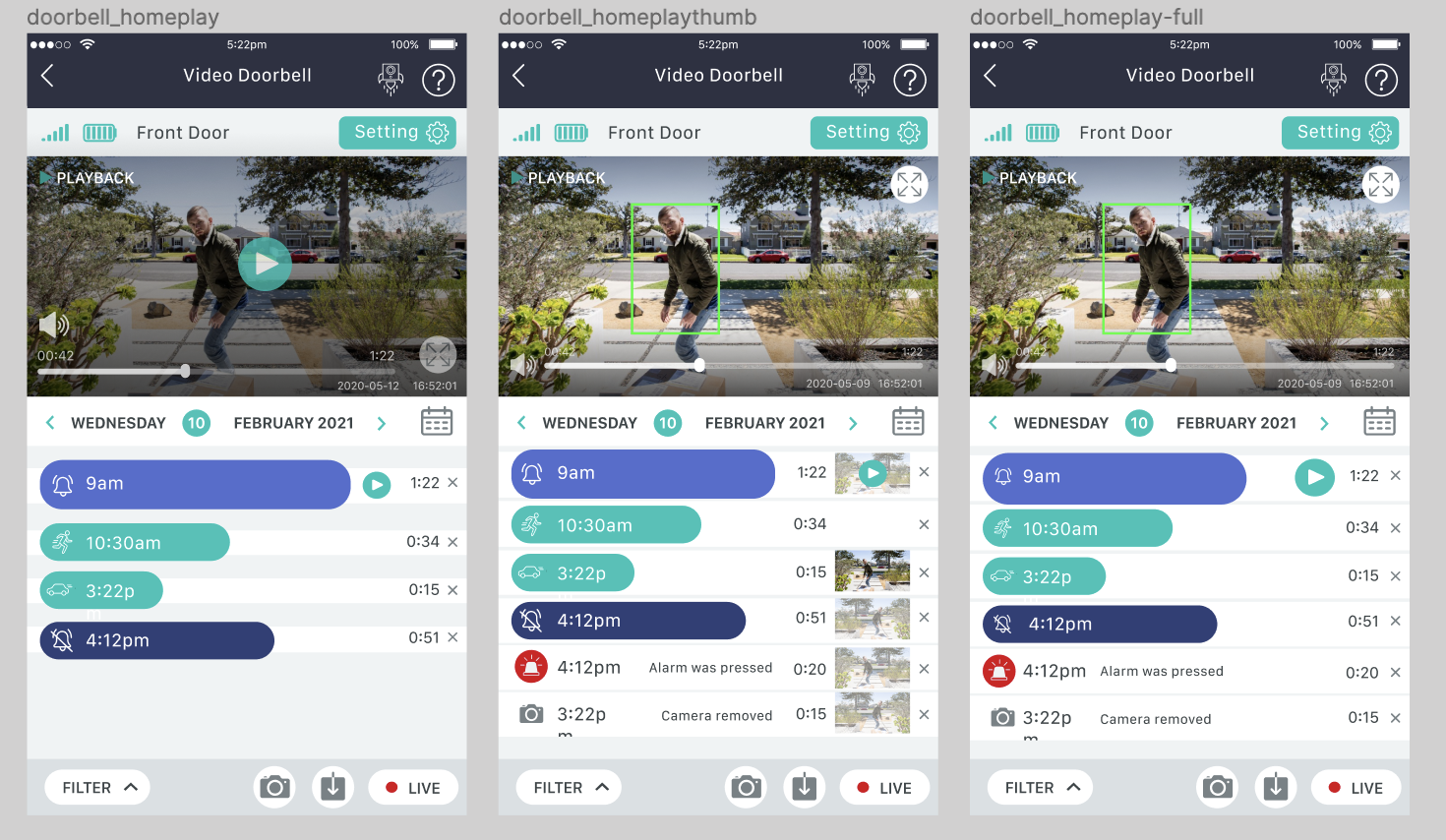
Motion detected UI
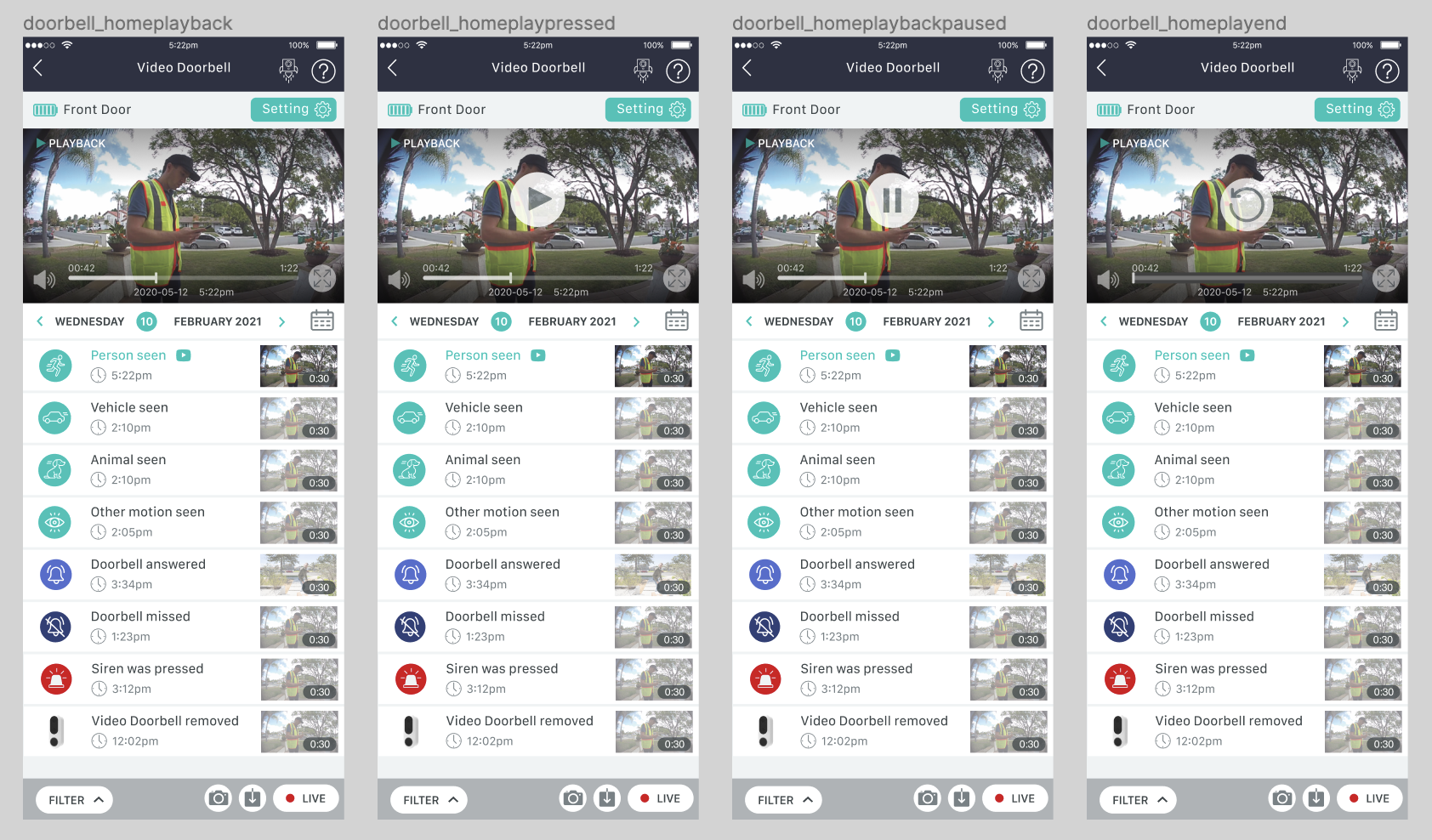
One of the doorbell features at the time was that it could detect what kind of thing was in motion. Person, car, or animal. This feature was never realised but it was fun designing a UI that might show the timeline of detection.
Other considerations
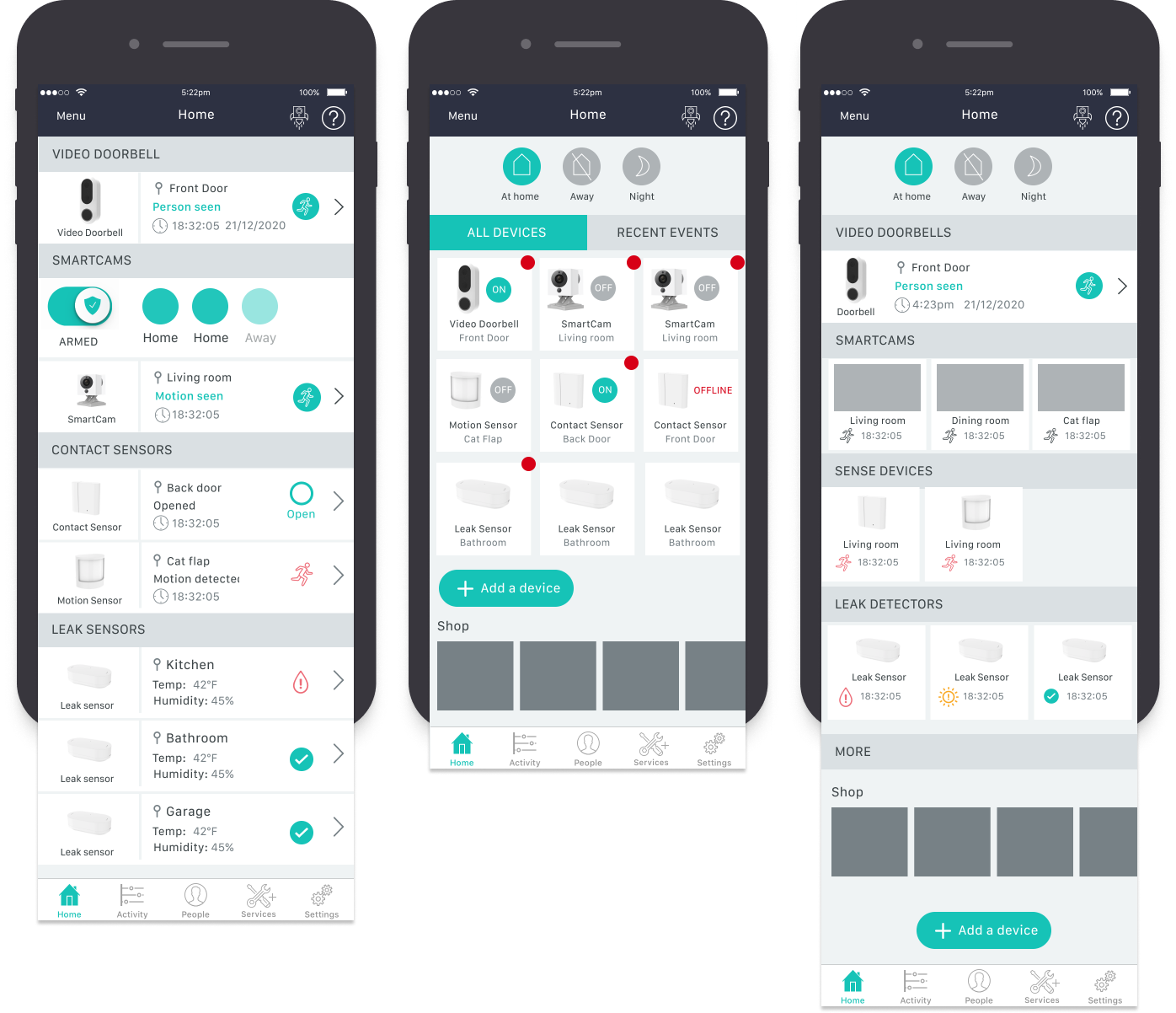
As this was not a stand alone product, I had to design some versions of how it might fit into the current ecosystem of products if a consumer had more than one product installed. Would it make sense to group them together or show a different UI for a different product?
Launched in May 2023
I had left the company two years before launch (goes to show how long these project can go on!) but Sky Protect now includes the doorbell as a feature product. I haven’t seen the finished result yet!