Re-design of a video library for surgeons
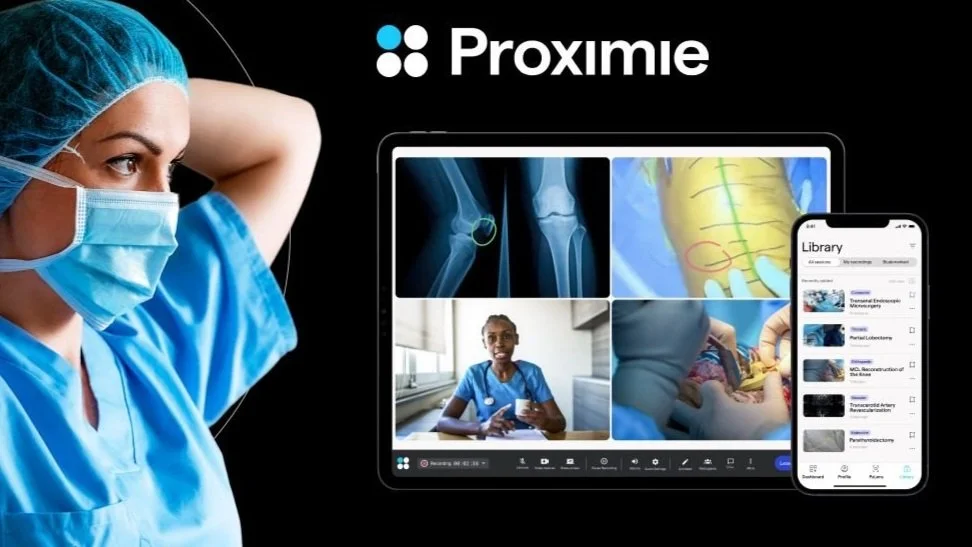
Company: Proximie, a health-tech scale-up that provides video technology for surgeons.
Role: Senior Product Designer (contract)
Team: Squad of developers and PMs + QA.
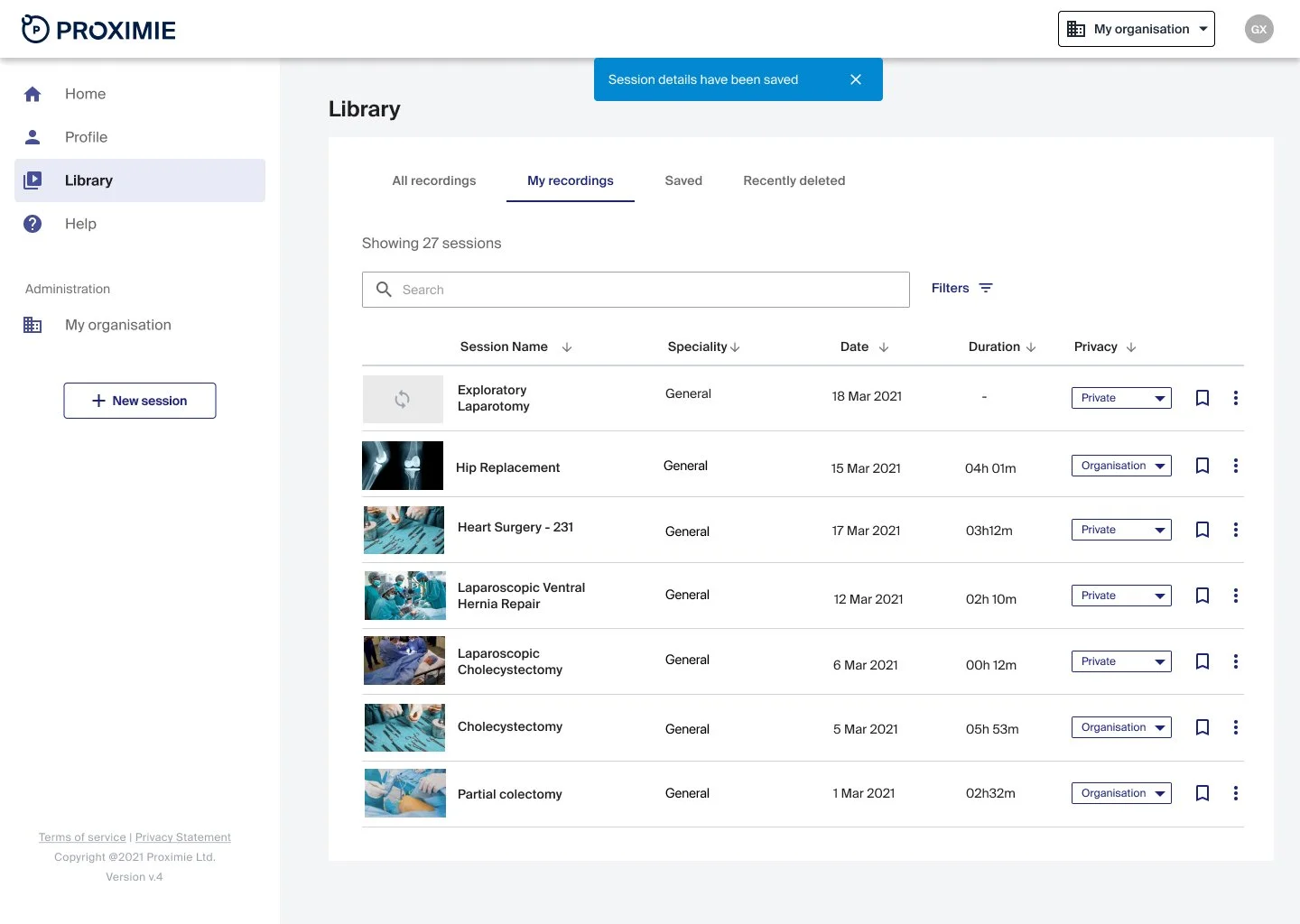
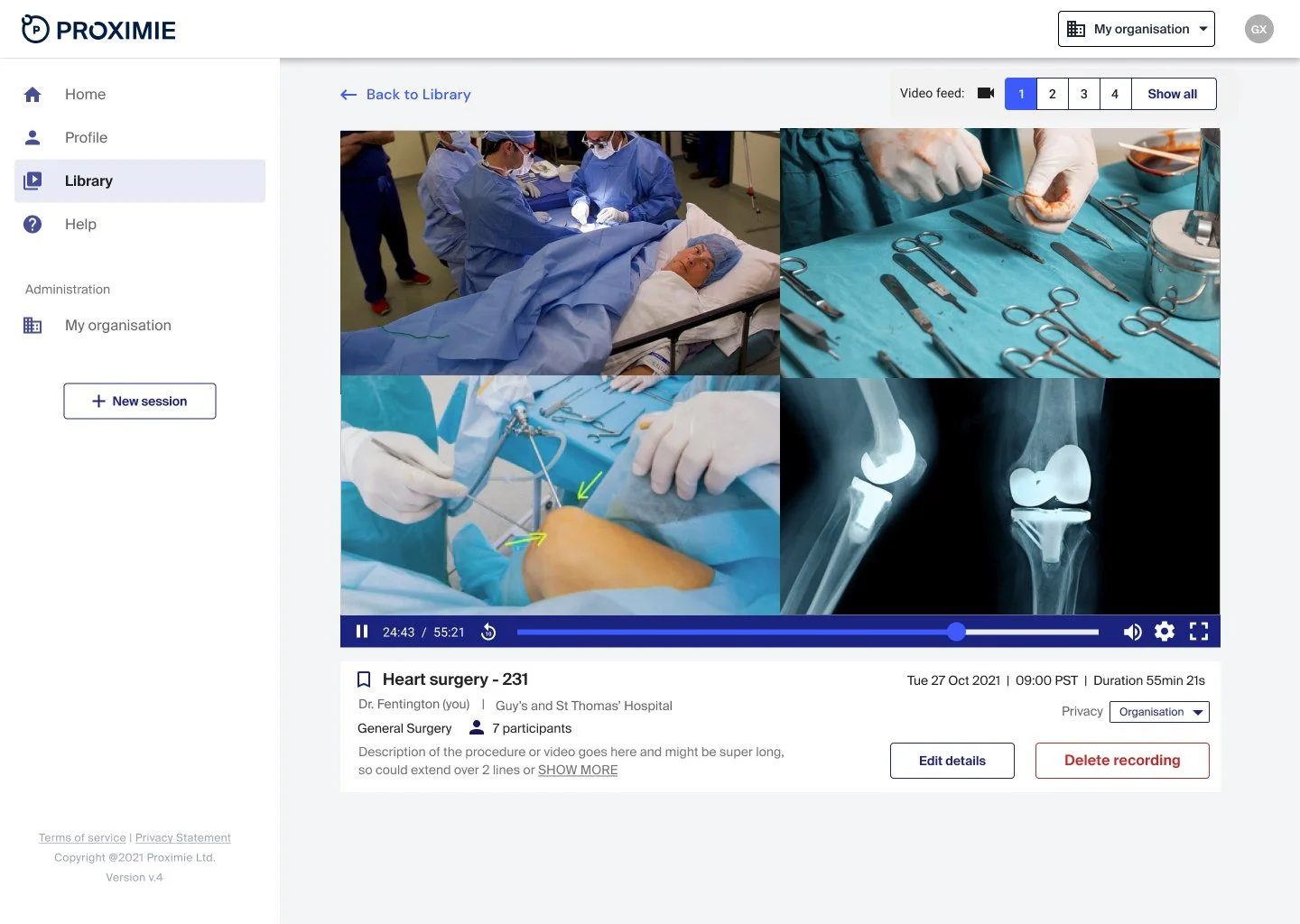
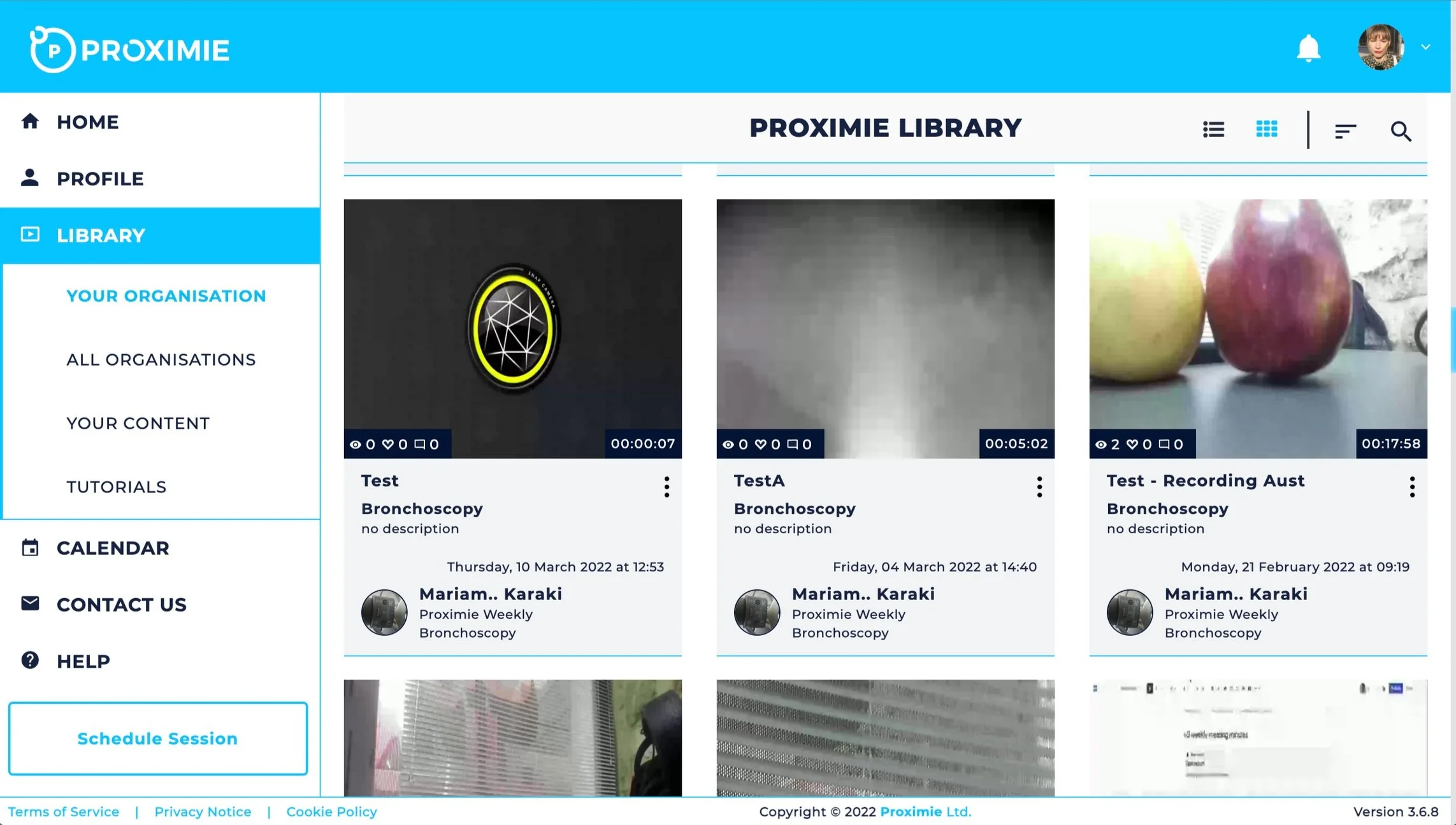
Project: Designing the new Case Library; a video library of live surgical procedures for web.
Methods: Research via video interviews, prototyping, user testing, higher level designs.
CONTEXT
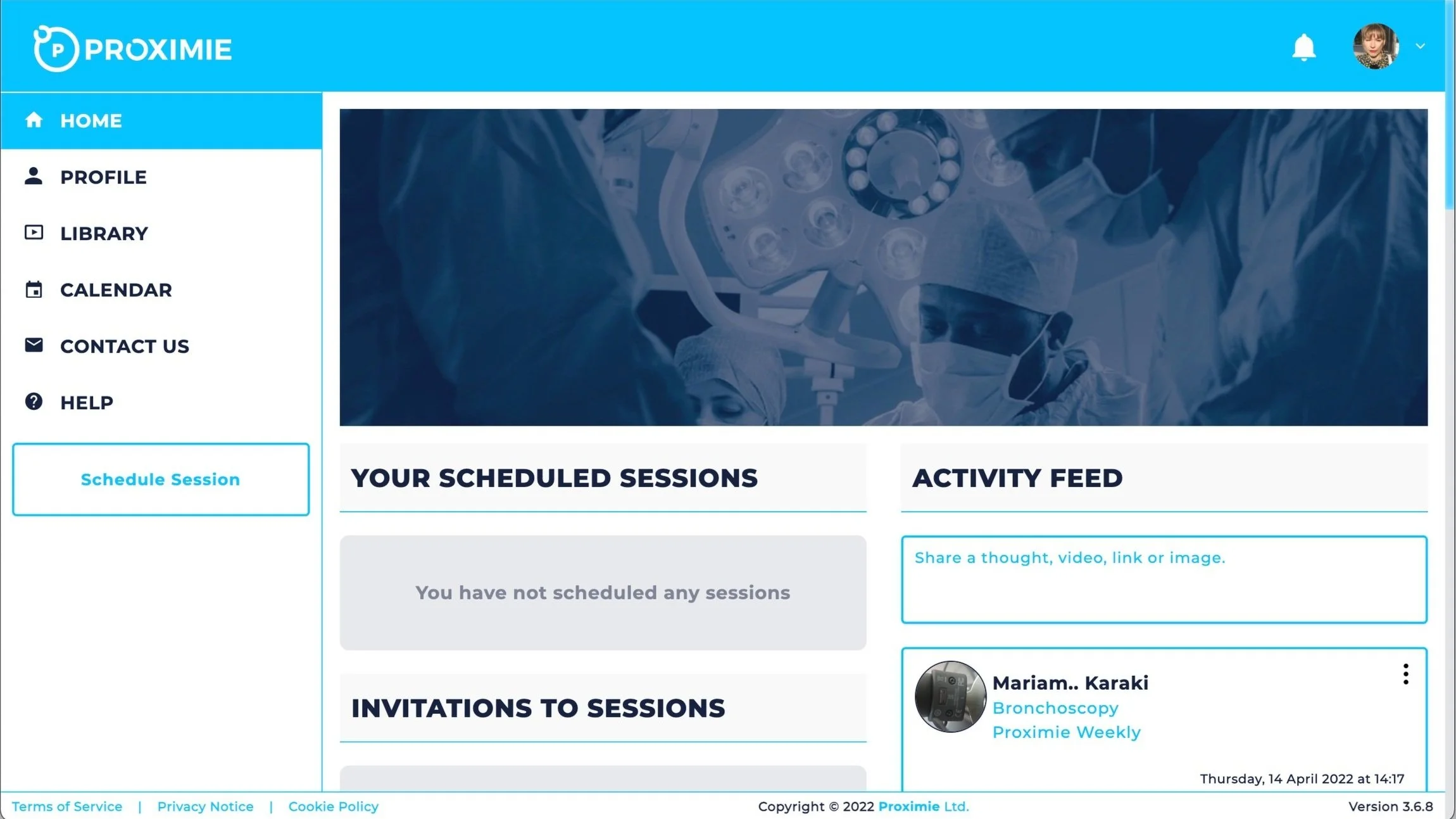
Proximie needed to redesign its Case Library from the ground up as part of a new product version, but the existing experience didn’t scale to global usage, lacked clarity between different user roles, and wasn’t designed around how surgeons actually search, review, and learn from surgical video content.
The challenge was to design a video library that worked for both session owners and viewers, supported future growth, and balanced complex clinical workflows with speed and usability.
PROBLEM
The existing Case Library did not scale to different user roles or global usage and wasn’t designed around how surgeons actually discover, review, and learn from surgical video content.
There was also a need to migrate to a new technical architecture while defining a clear MVP that balanced clinical complexity, usability, and delivery constraints.
I led the end-to-end design of the new Case Library, partnering closely with product and engineering.
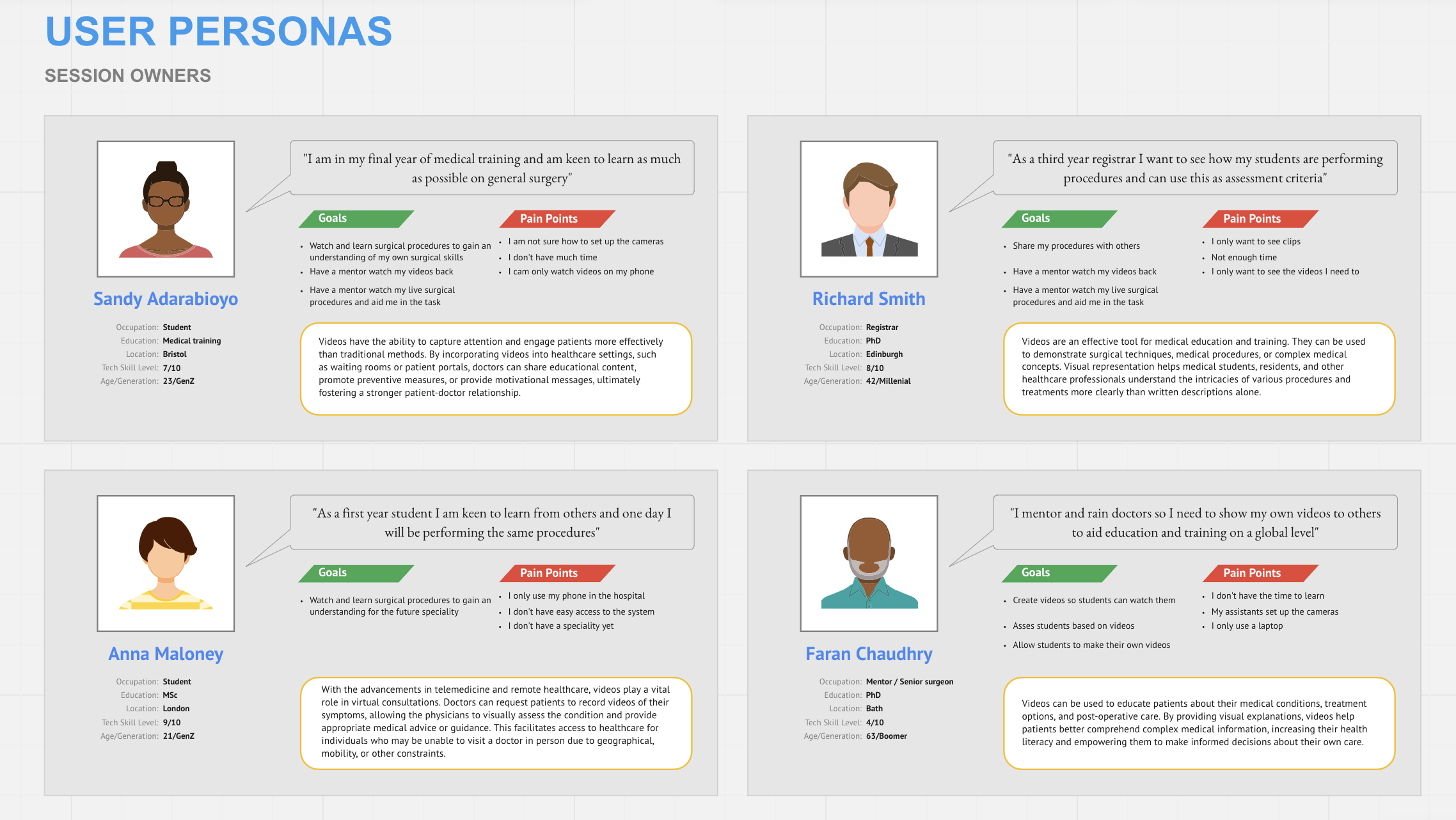
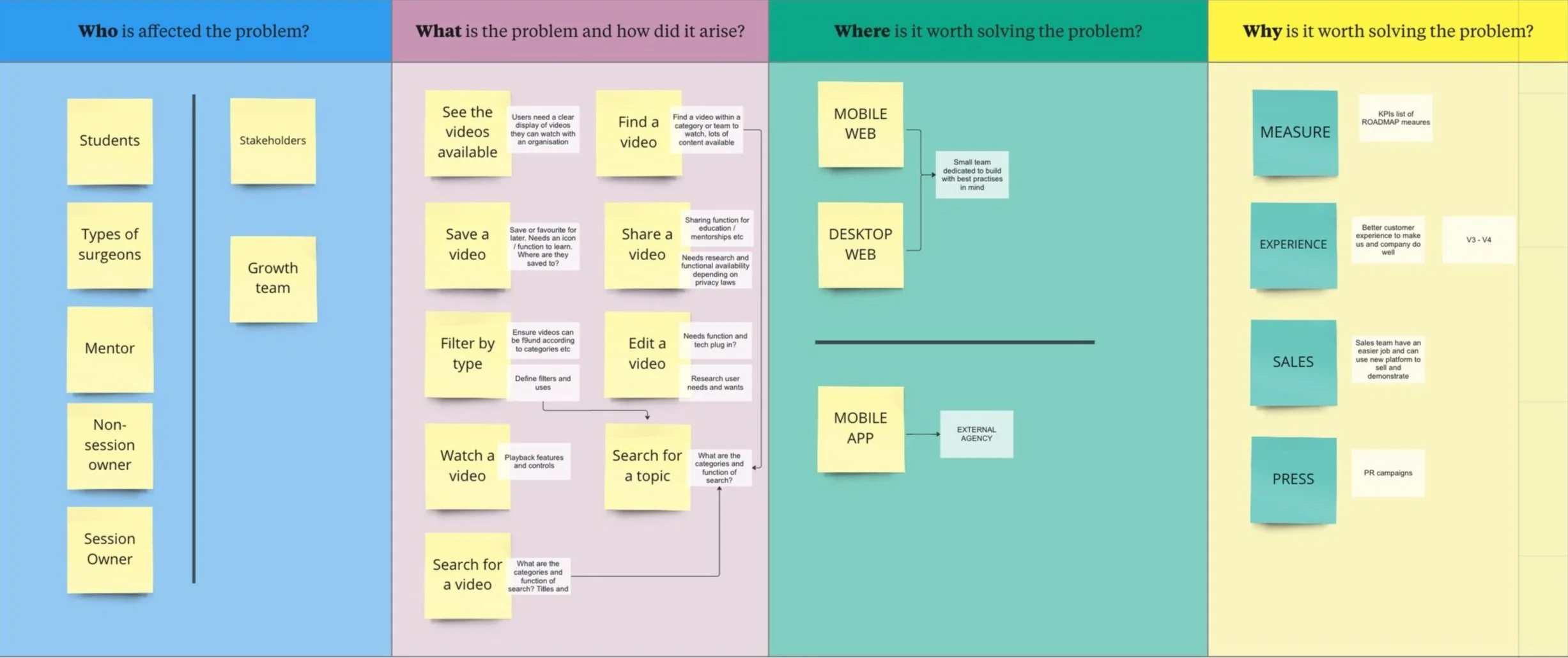
Starting with defining the WHO, WHAT, WHEN and WHY of the typical users by digging deeper into user personas so I had a clearer understanding of user issues that might arise.
User research
The product manager and myself wanted to define user needs within the video platform by listening to session owners and viewers through targeted video interviews. This was also a good opportunity to define a feature list of user needs for future iterations. We ran the same interview with a cross section of users to be sure we were prioritising the right features.
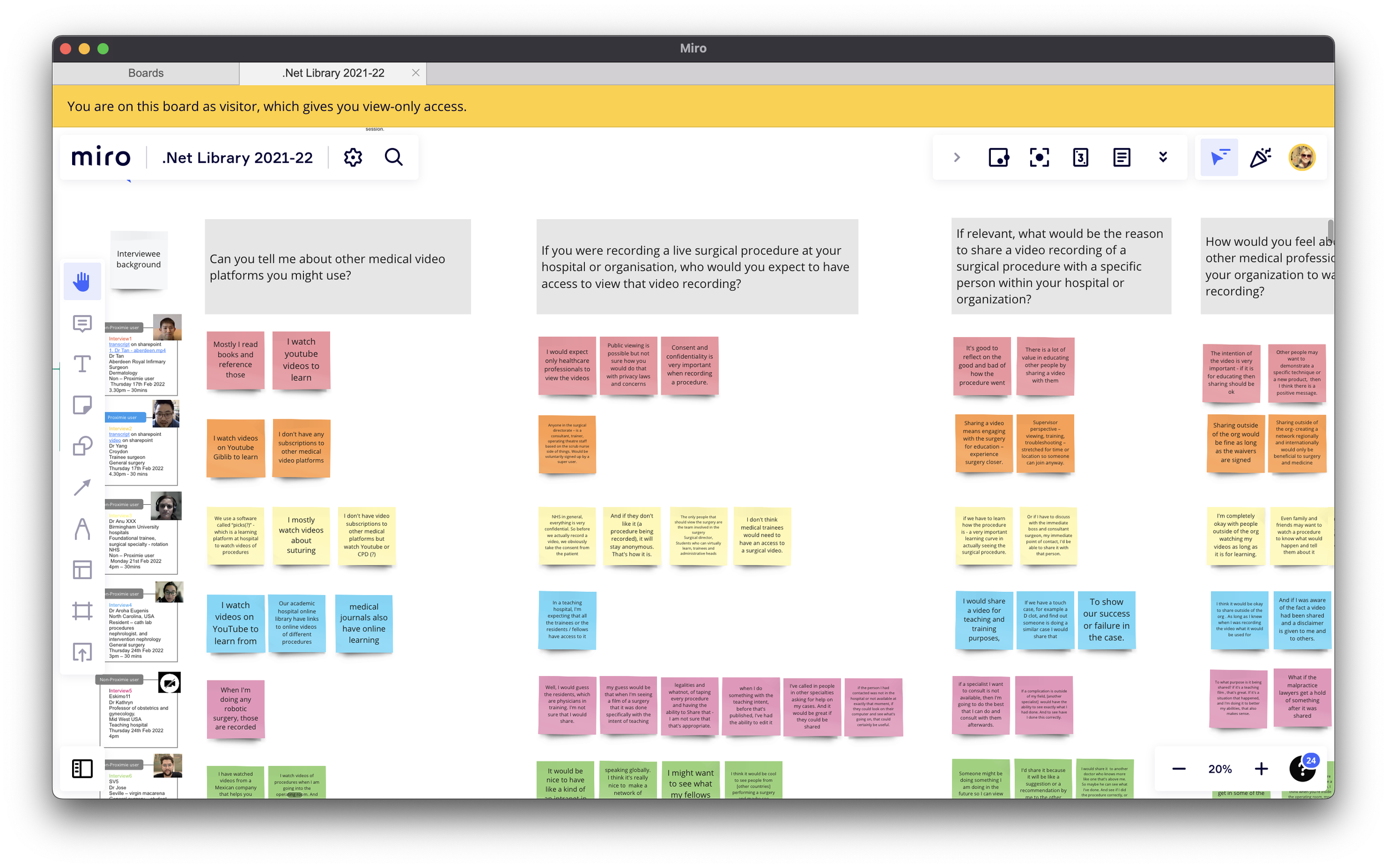
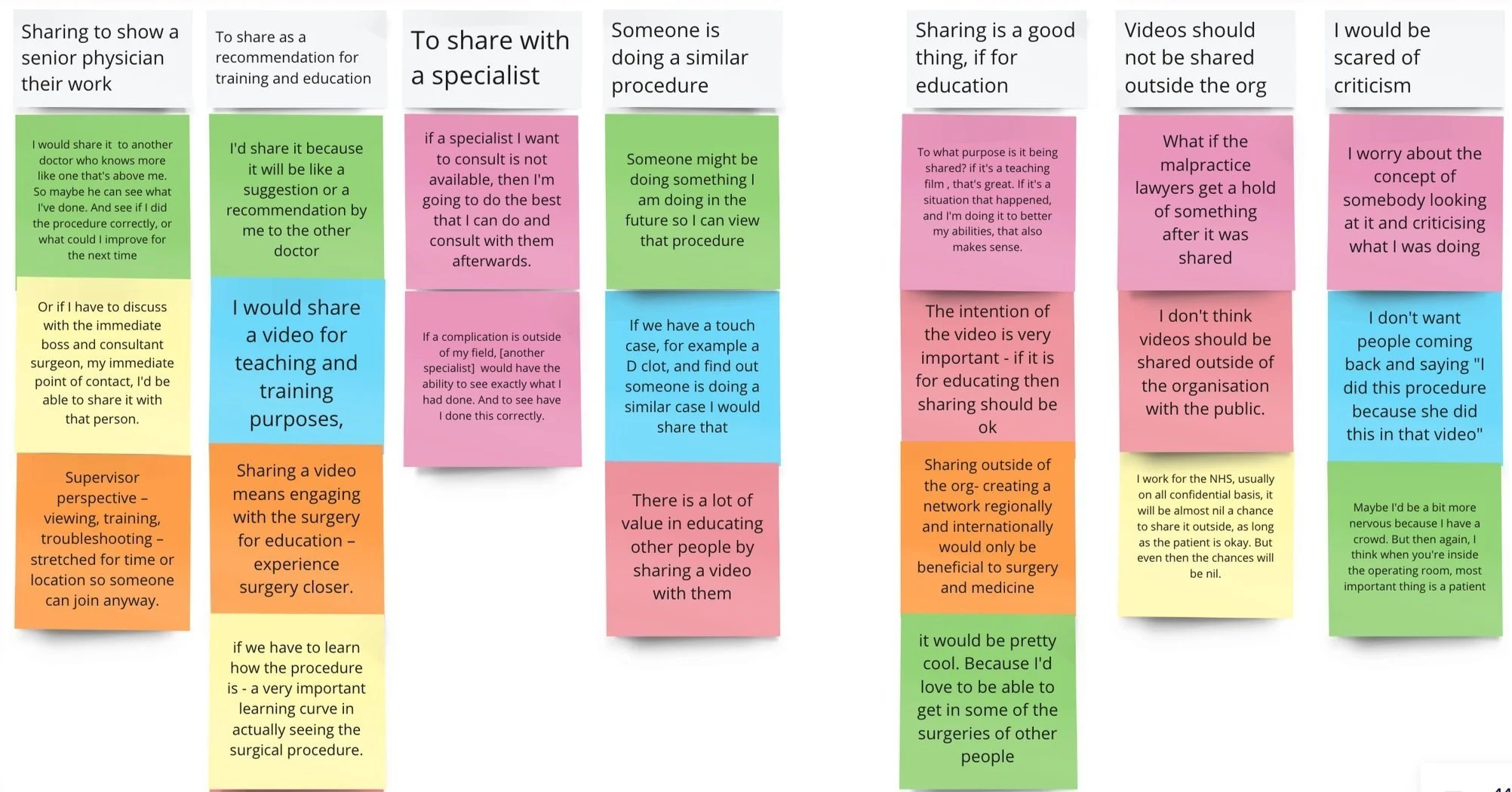
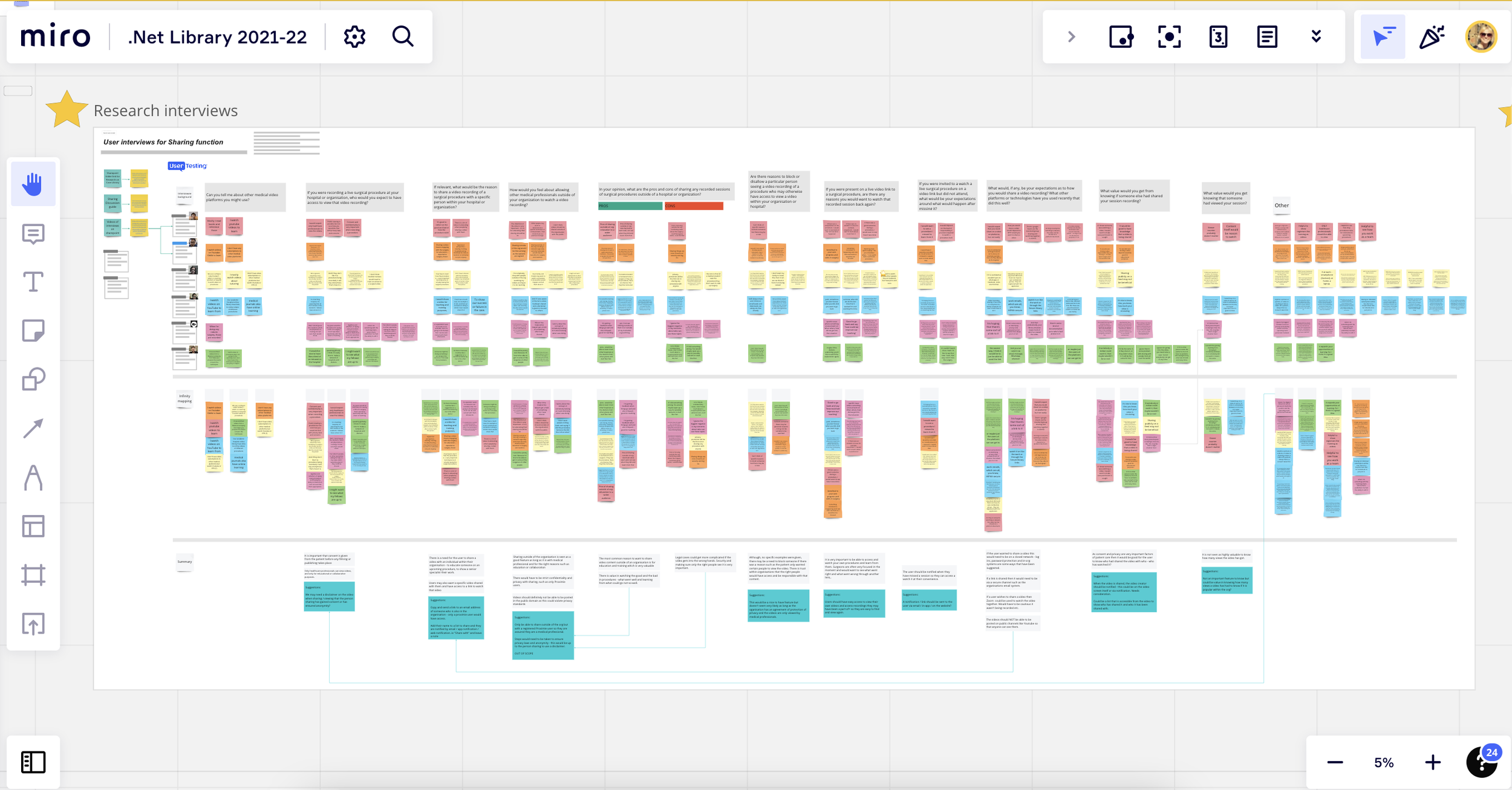
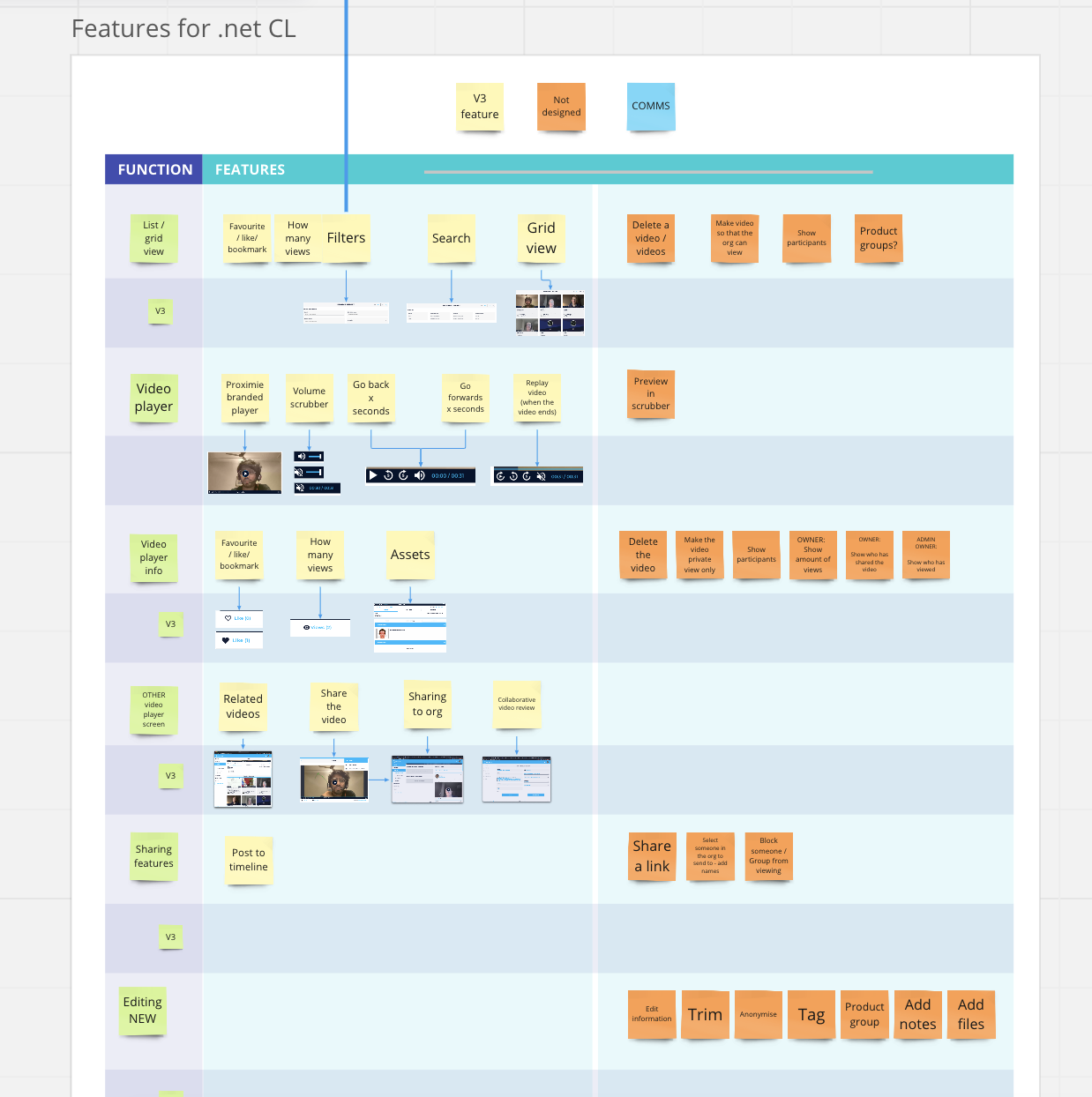
feature list definition and planning
As a team, we could then confidently translate research insights into a prioritised feature set and role-specific user journeys.
User Journeys - Draft
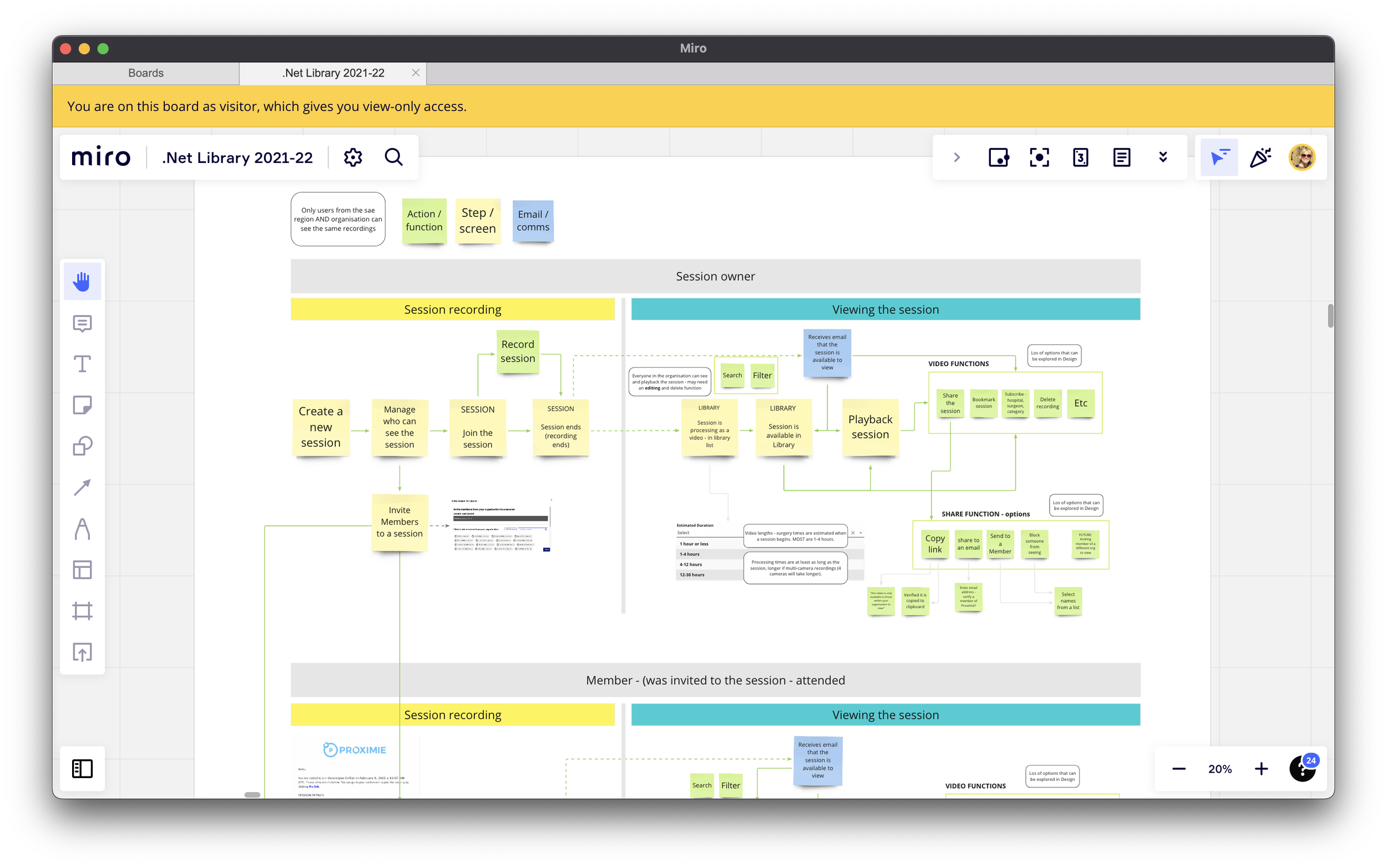
I drew up an initial user journey for session owners and non-session owners as they would have different functions.
Design, prototype, test
I Designed, prototyped, and tested key flows to validate navigation, permissions, and playback before build. Myself and the product manager worked through the feature list as we knew that there would be an initial version and then an updated version with extra functions a little later down the line, but as completely new product, everyone was keen to get a V3 live, so time was crucial.
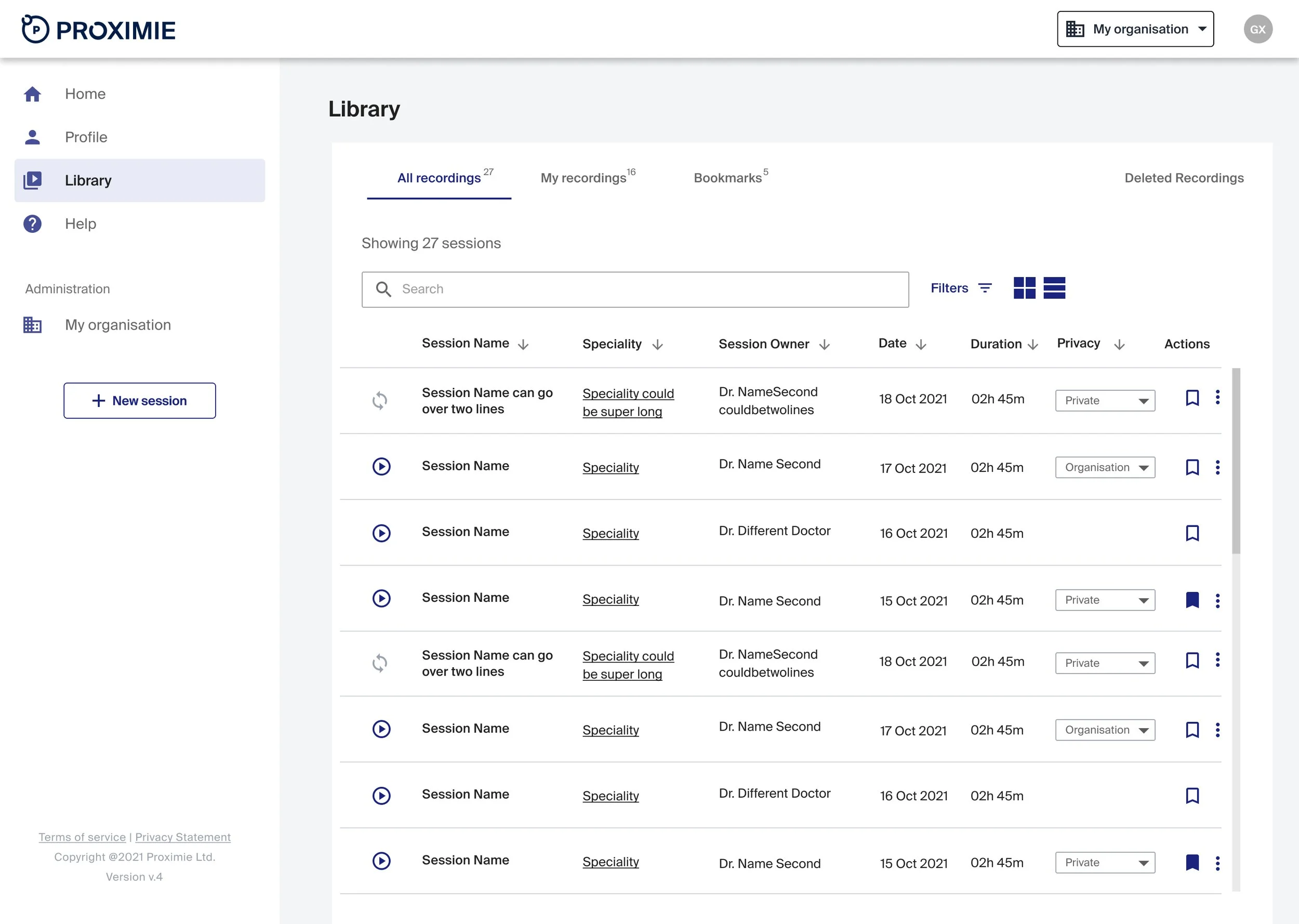
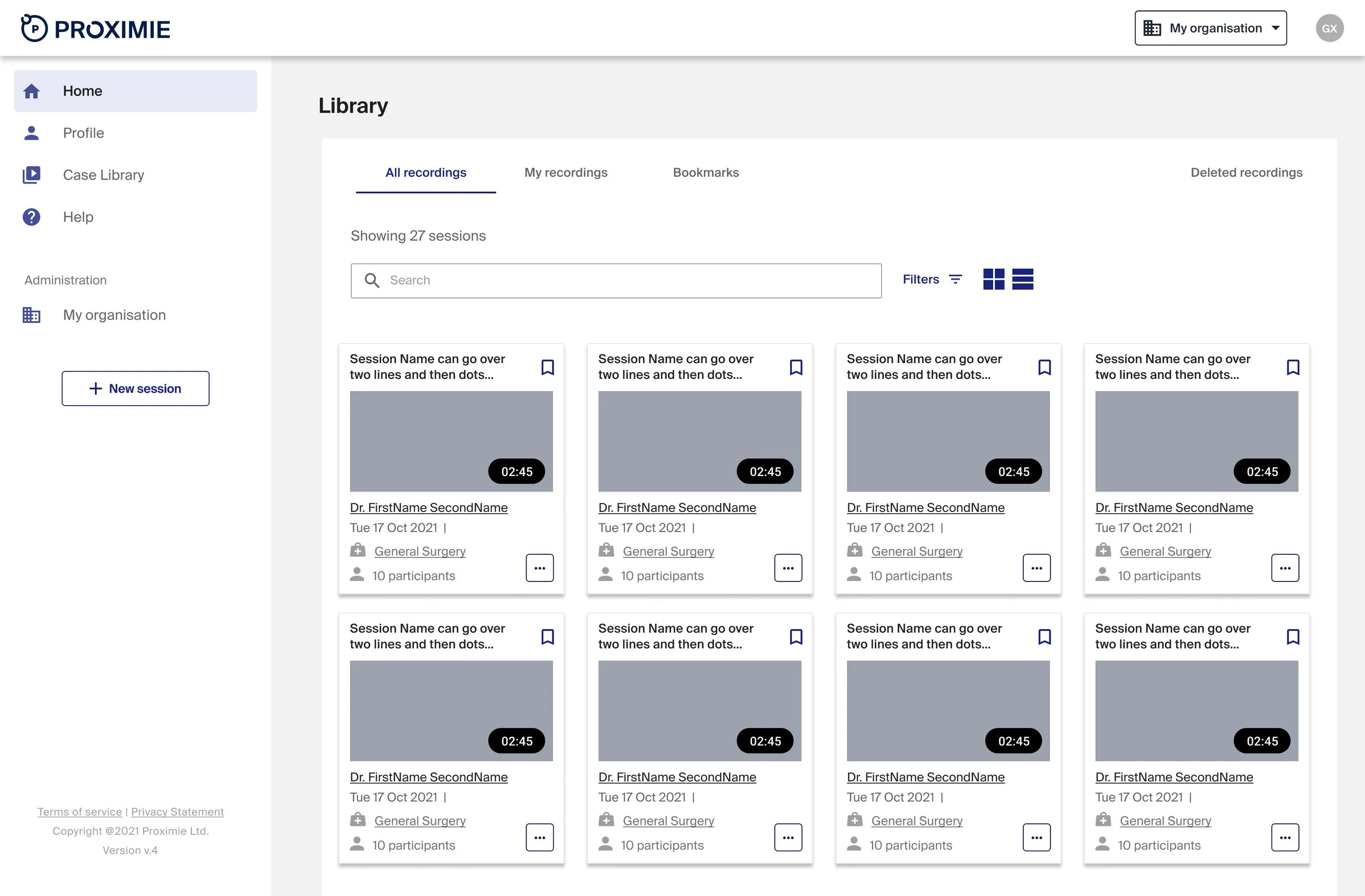
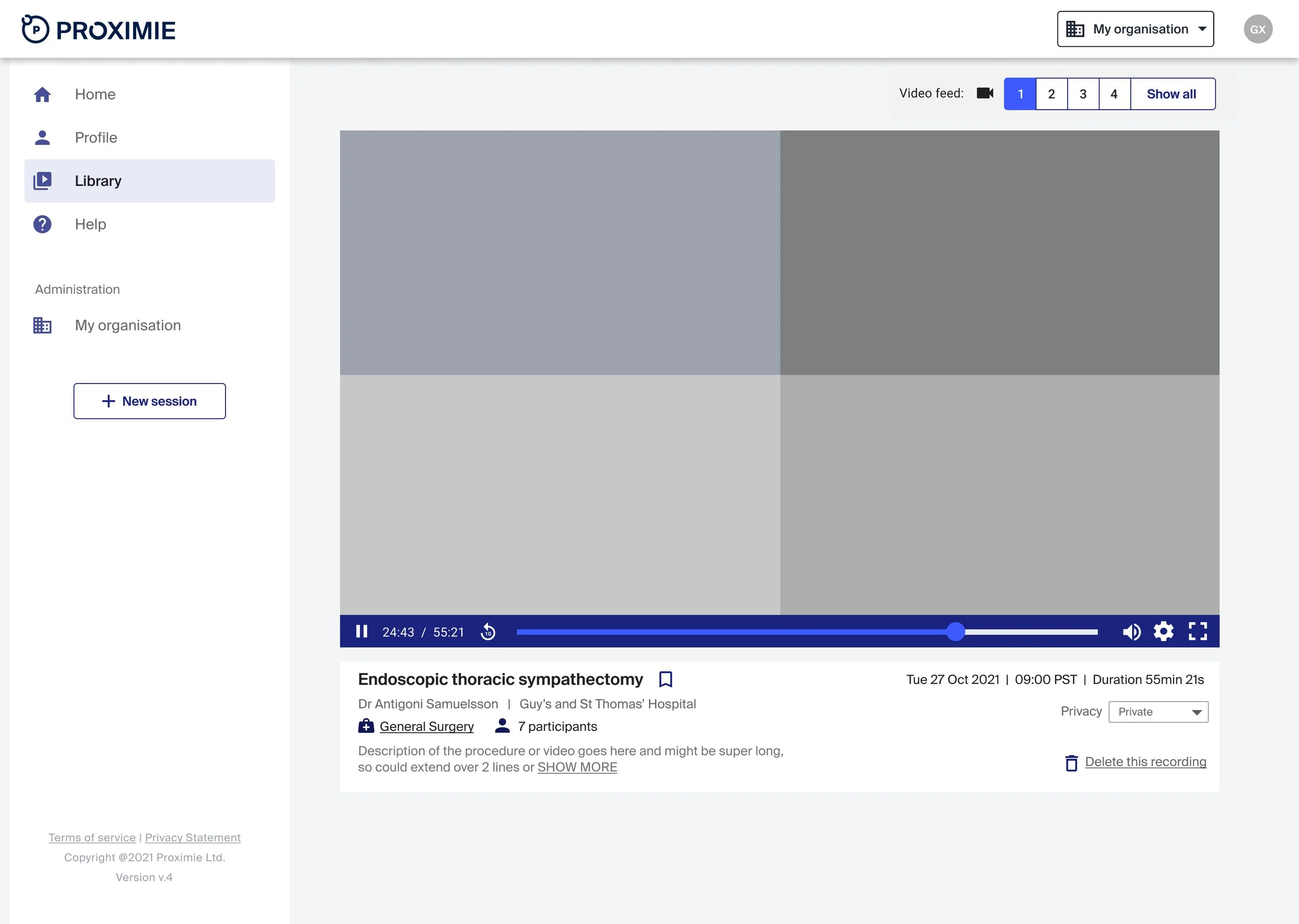

Using Usertesting.com we found an array of surgeons from mentors to students who matched the profiles created. Some were already Proximie users and some were not. I also added in a general feedback opportunity at the end to get any further feature requests or ideas to make the platform better.
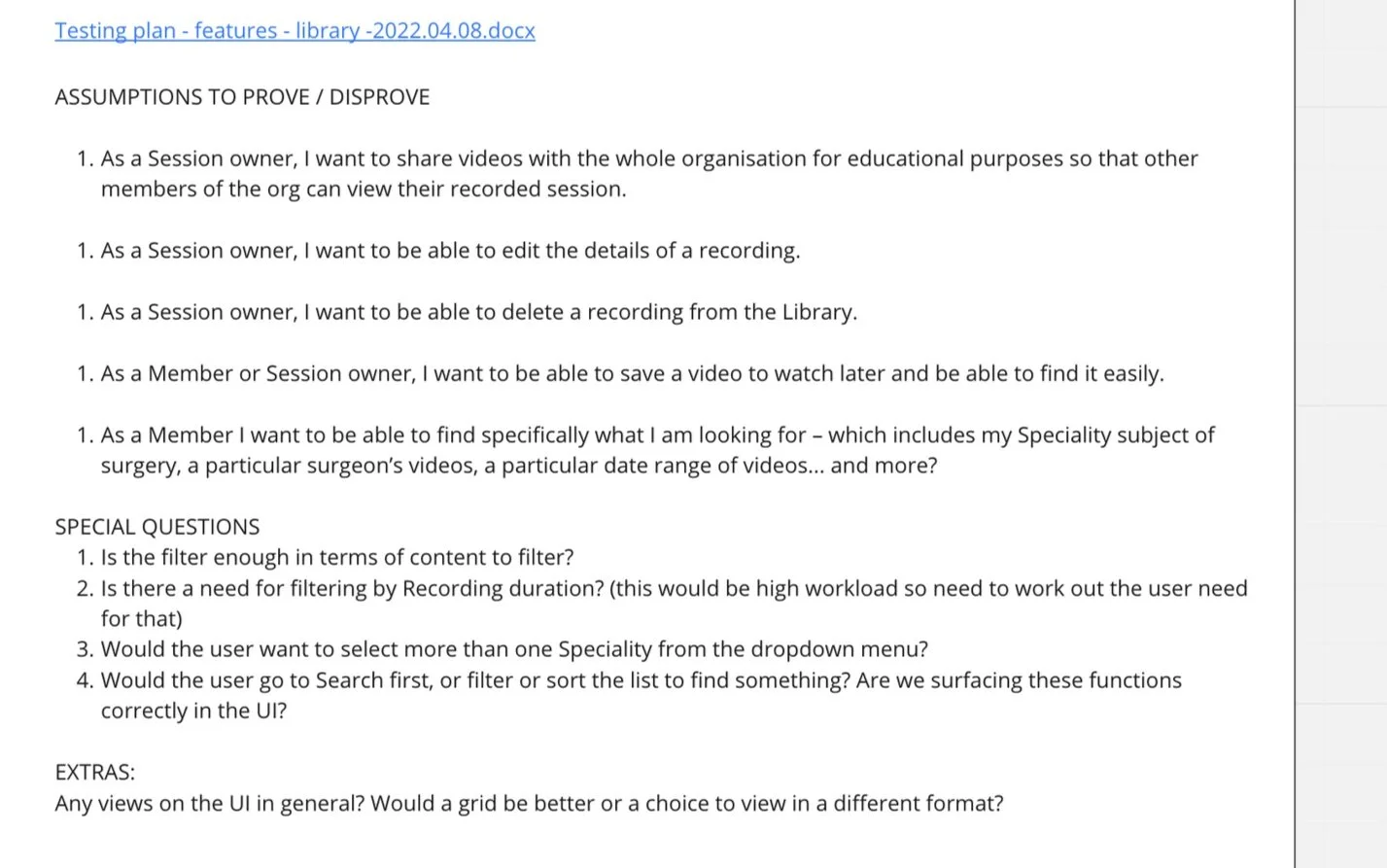
User testing outcomes
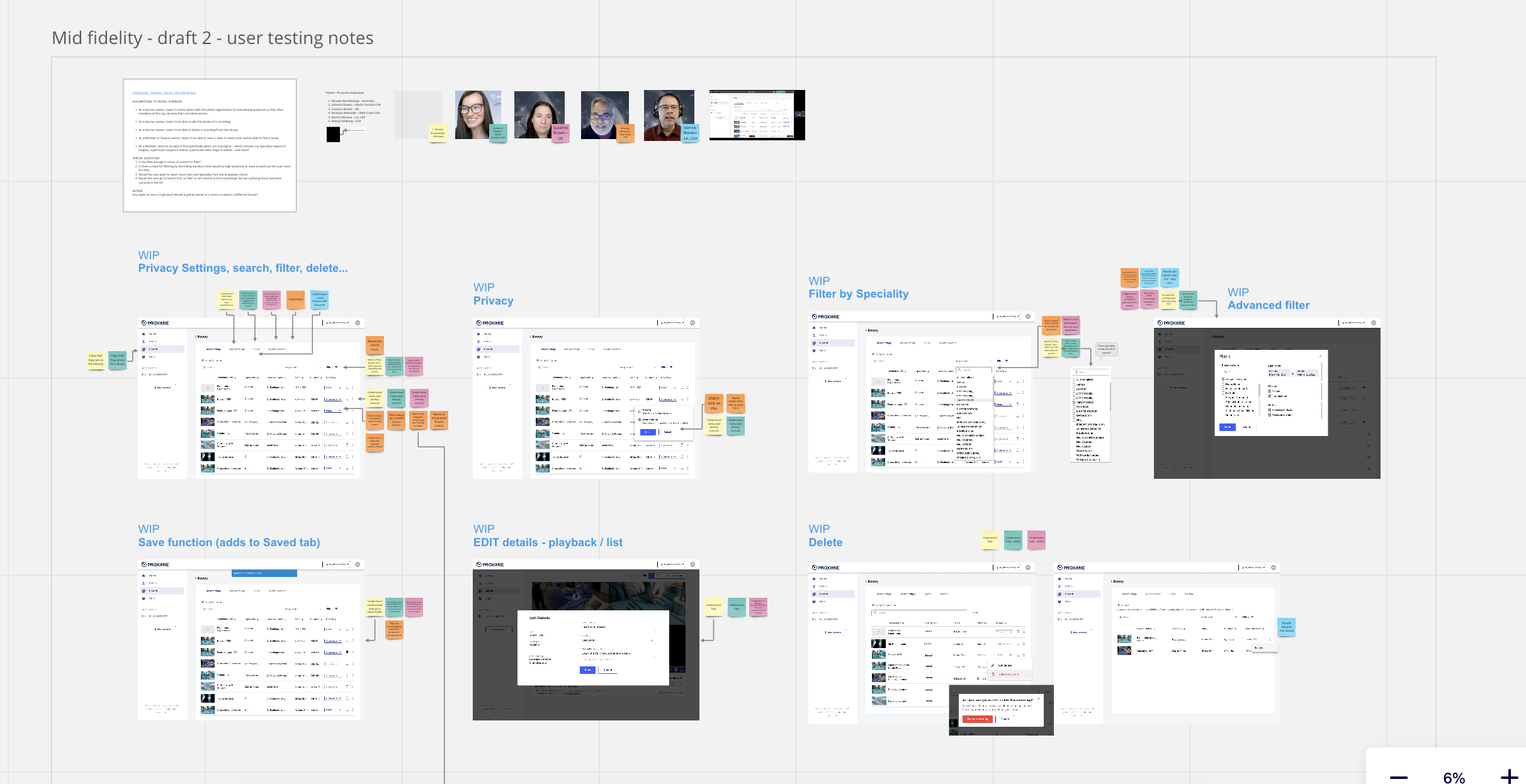
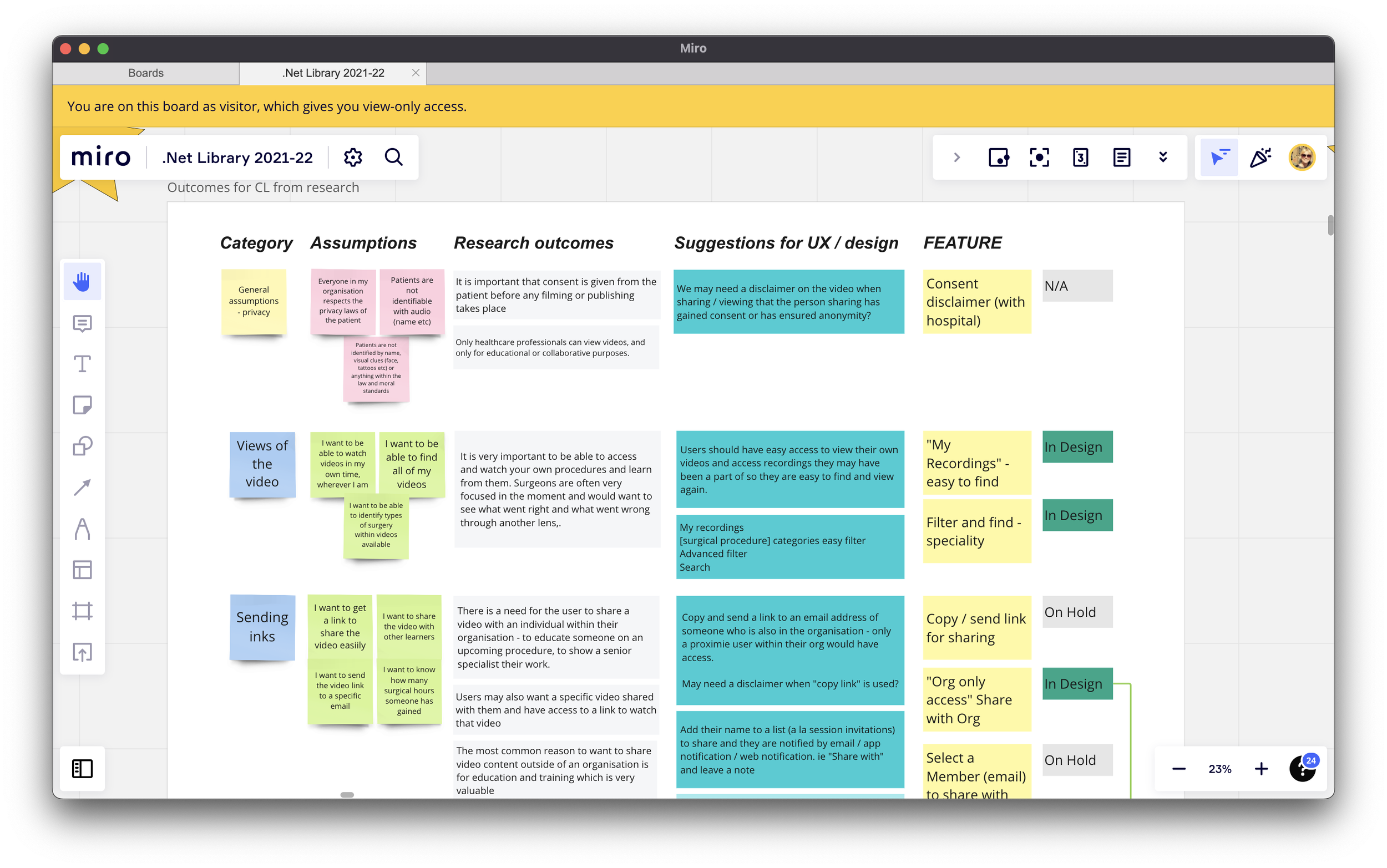
By categorising each user interview comments with a post-it colour and then attaching any useful comments to the screen being reviewed you can clearly see where the problems are and by consolidating the answers, patterns emerge.
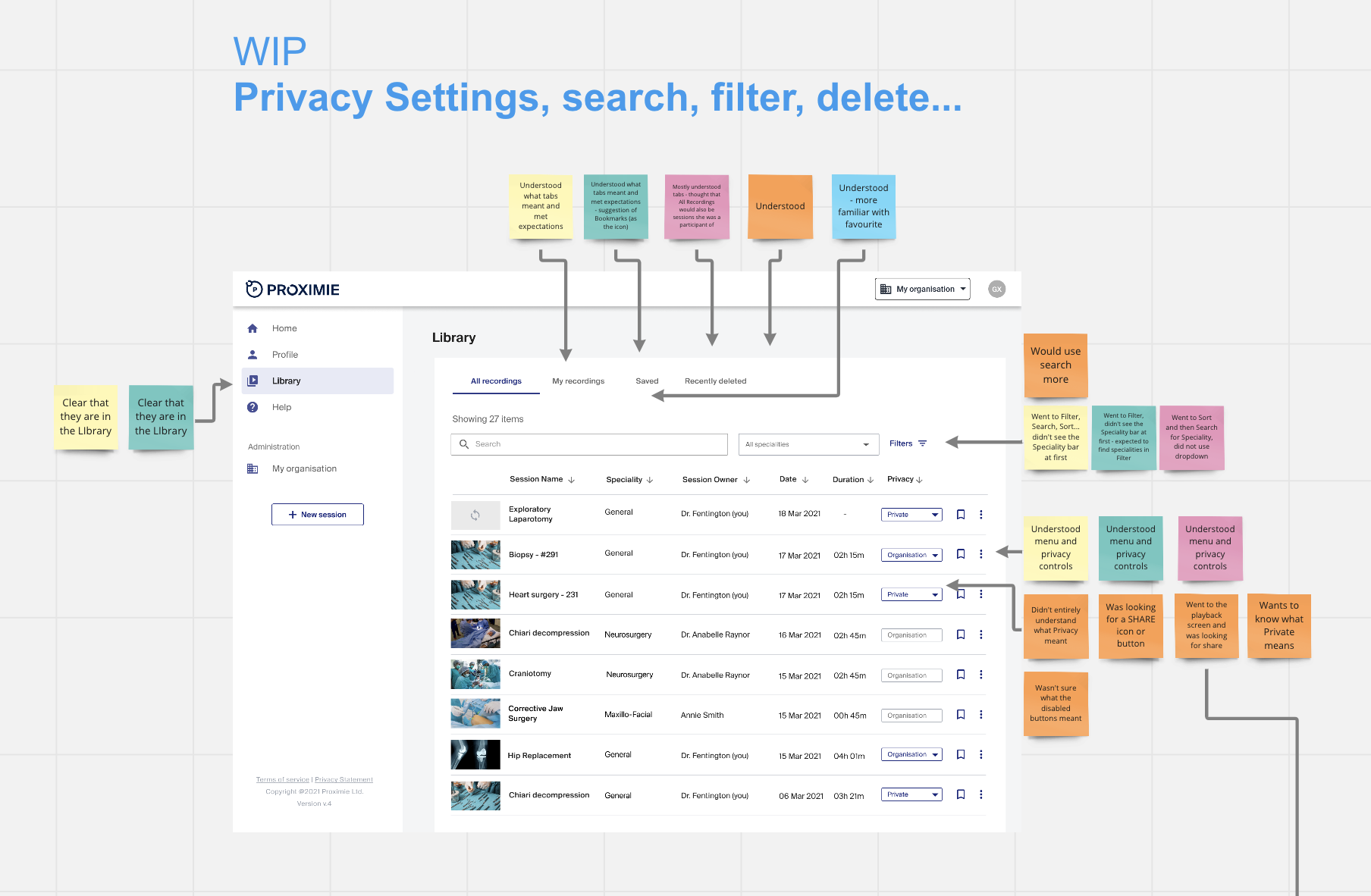
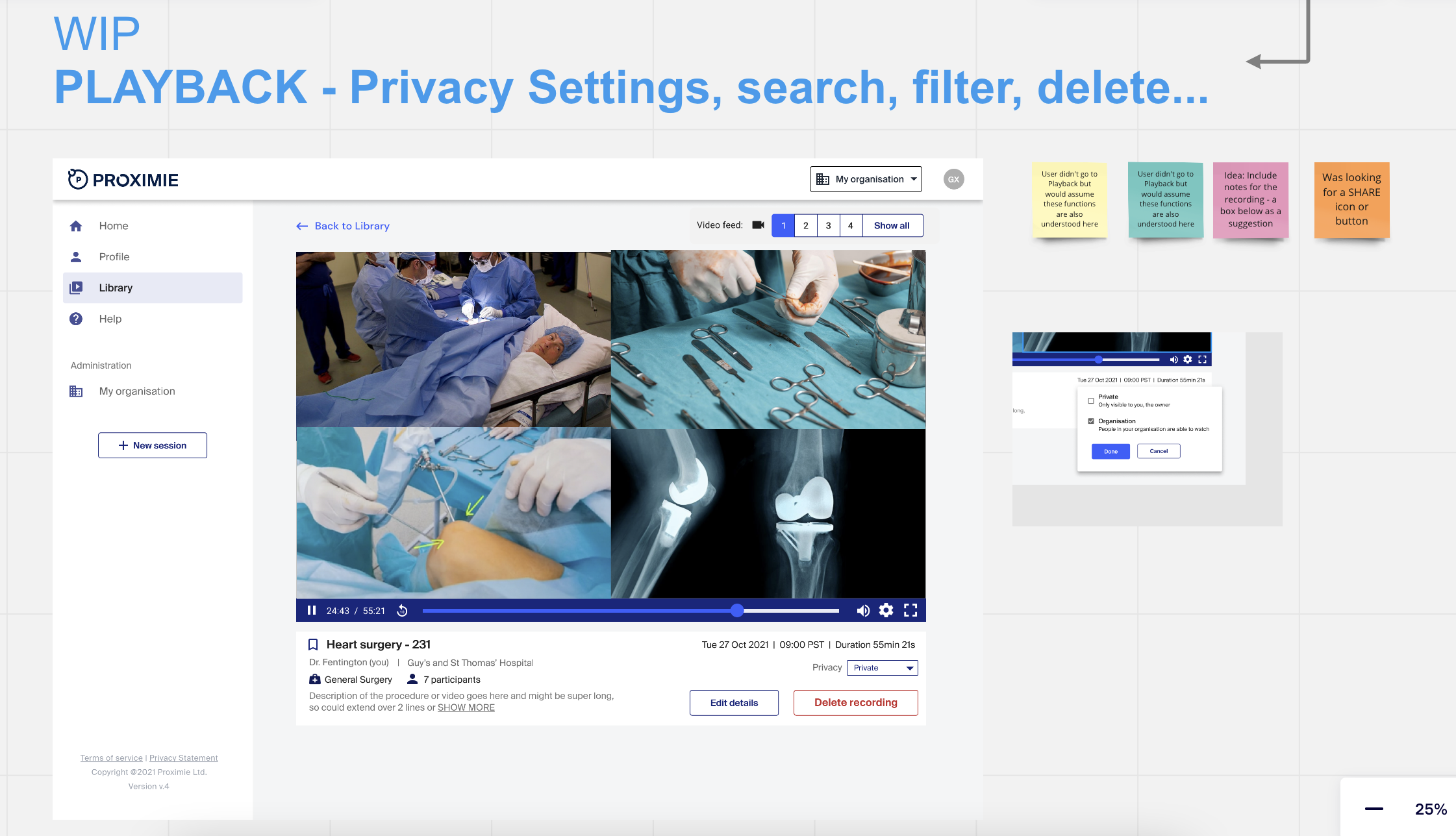
REVIEW > CHANGES > FEATURE SUGGESTION > PRIORITISE
I organised the research insights into a simple prioritisation framework, which we reviewed with engineering and the wider team to validate feasibility and scope. This helped us focus the first release on essential features, while deferring more complex ideas to later iterations.
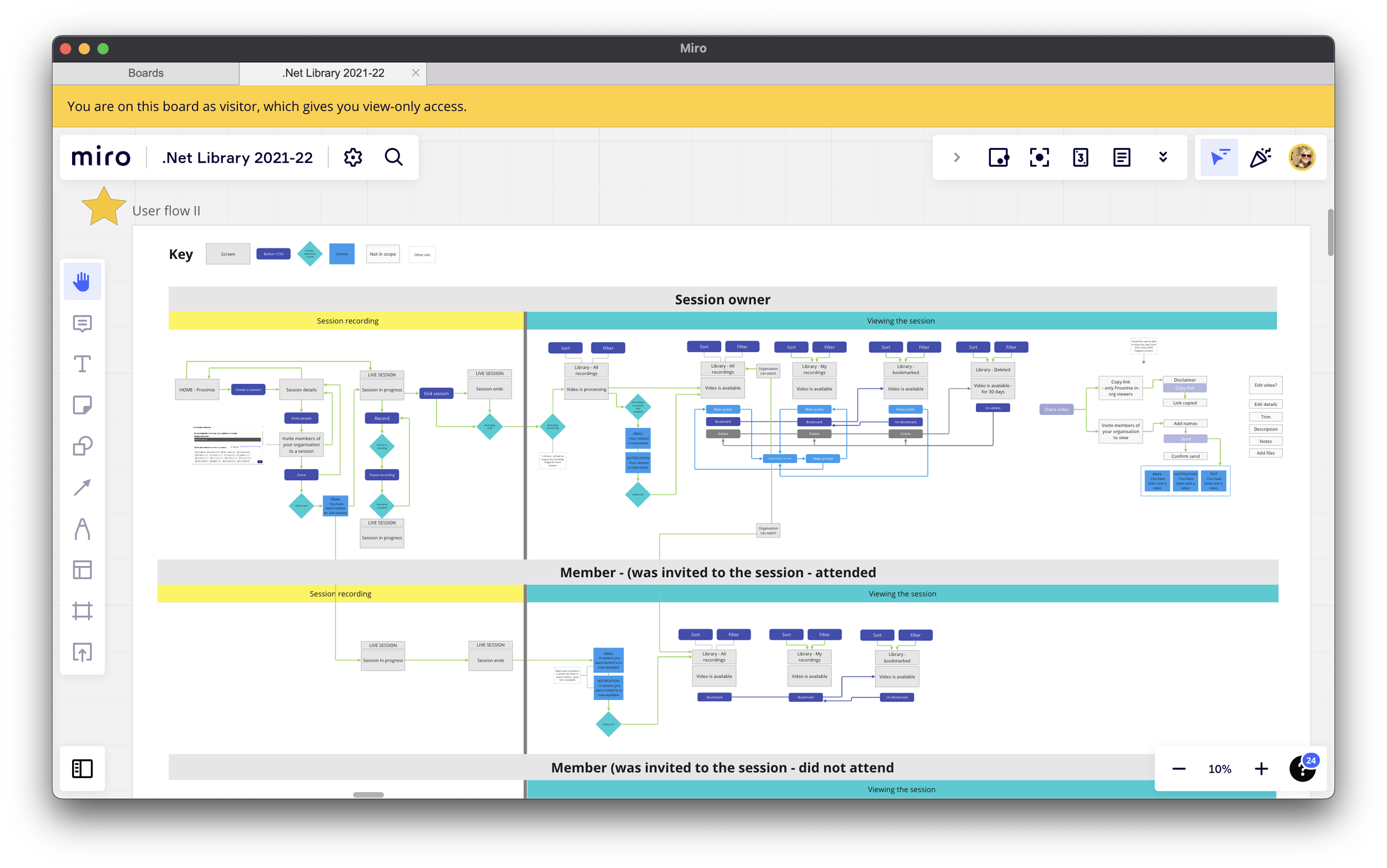
New user journey
I evolved the user journeys to clearly separate session owner and viewer workflows, aligning permissions and sharing requirements with real clinical use cases.
OUTCOME
The work resulted in a role-aware Case Library experience that clearly separated session owner and viewer needs, reduced friction in finding and reviewing surgical cases, and established a scalable foundation for future features.
User testing validated key assumptions around navigation, playback, and permissions, surfaced lower-priority feature requests for later releases, and helped the team confidently prioritise an MVP for launch.
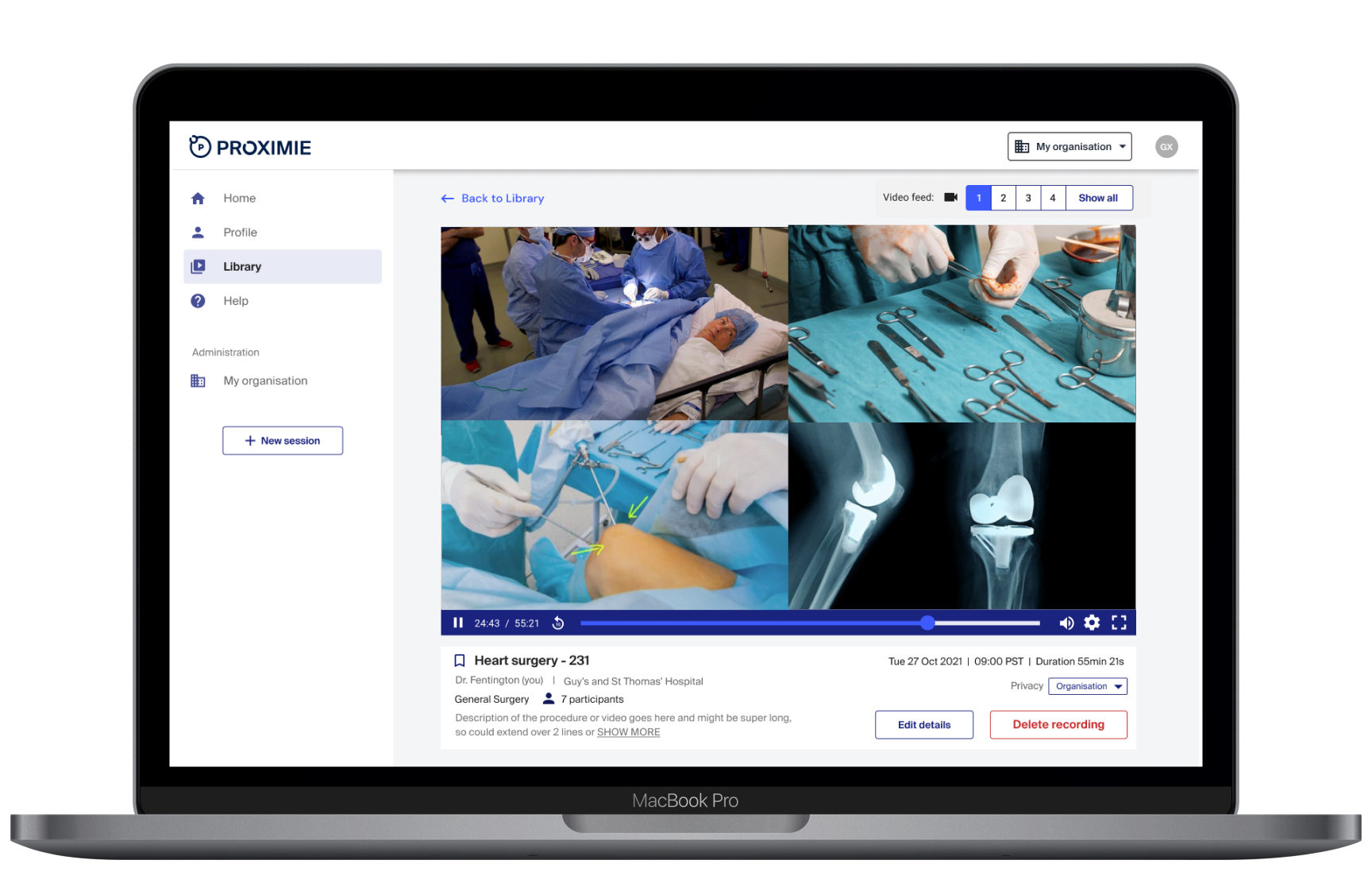
The final designs aligned with the wider design system, supported cross-platform collaboration with mobile, and enabled engineering to move forward with a clear, prioritised build plan.